How PotoP works
One platform from the camera on the wall to the invoice for the repair — running on your own hardware.
The platform at a glance
Devices feed the PotoP server and people work with it from wherever they are. PotoP Enterprise Suite runs the company — on its own, or linked to the VMS so faults and designs flow by themselves.
- IP cameras (ONVIF, RTSP)
- Intercoms and SIP phones
- Doors, lights, I/O and sensors
- Recording and playback
- AI detection on your own GPU
- Events, macros and alerts
- Own certificate authority
- Desktop client and video walls
- Web client in any browser
- Android app with alarms
- Mirrors settings and recordings
- Takes over when the primary fails
- RAID arrays built from the client
- Health always in view
- Planning board and field app
- Service calls, work orders and dispatch
- Hours, payroll, invoices and books
From installation to everyday use
-
1
Install
Put PotoP OS on a server from a USB stick, or install the packages on your own Linux machine. The guided installer sets up the drivers and the media pipeline, and the first boot creates the machine's own keys — there are no default passwords.
Learn more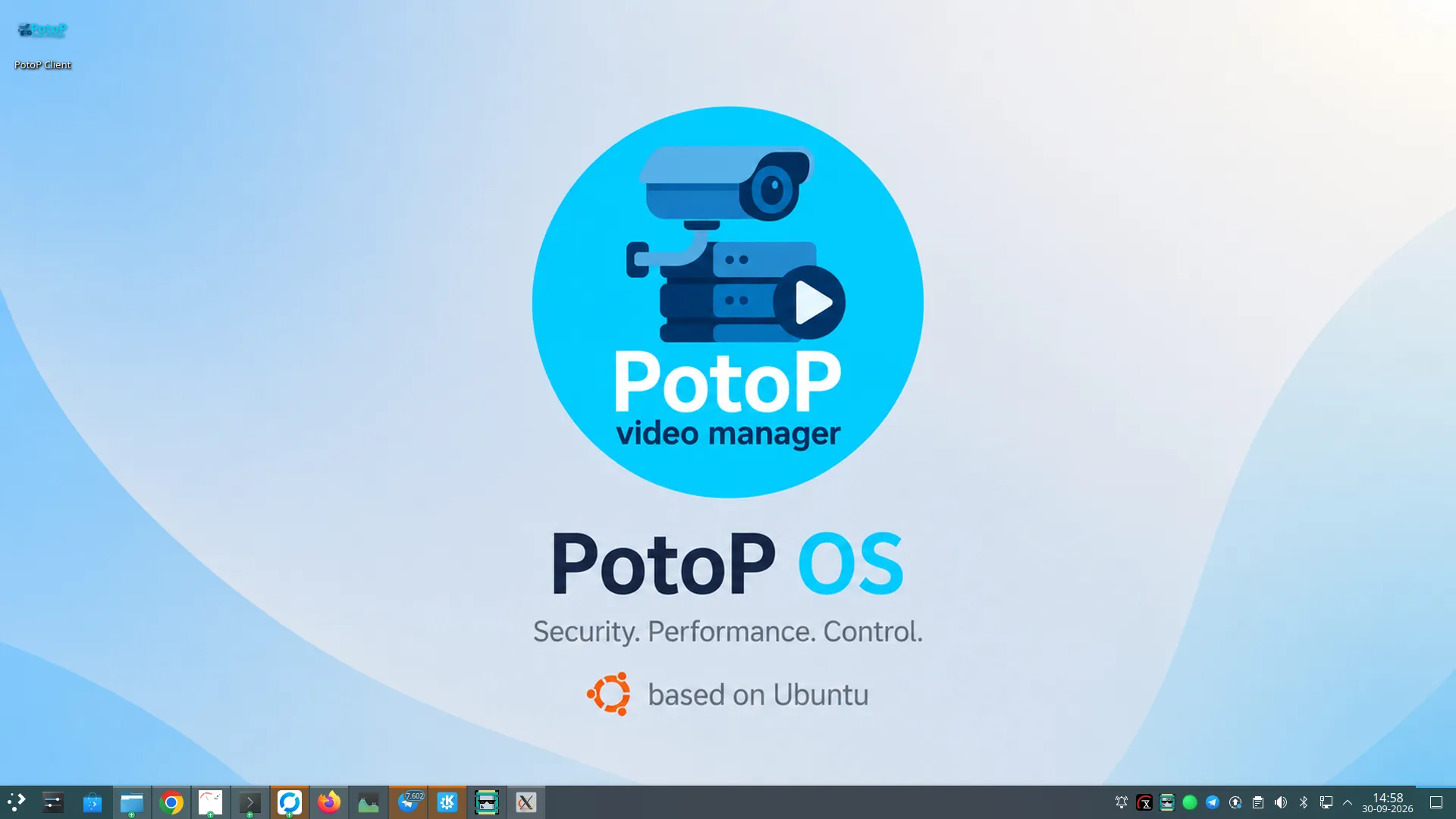
-
2
Connect your cameras
Discover ONVIF cameras on the network or add them by address. Every device lands in one list with its live picture, stream quality and status.
Learn more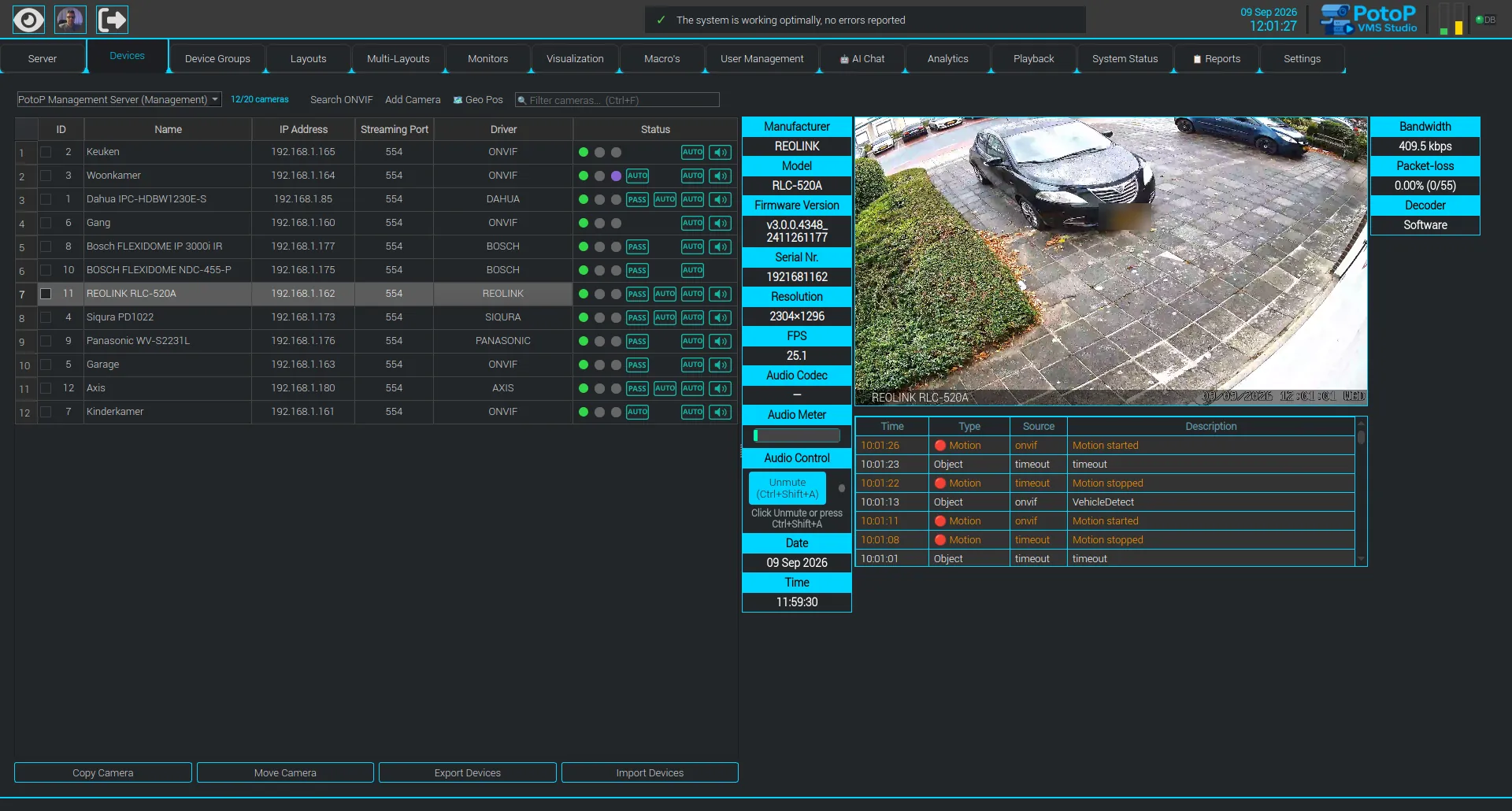
-
3
Record and analyse
Choose per camera when to record and what the AI should look for — people, vehicles, poses, zones, line crossings. Detection runs on your own GPU or AI accelerator, never in a cloud.
Learn more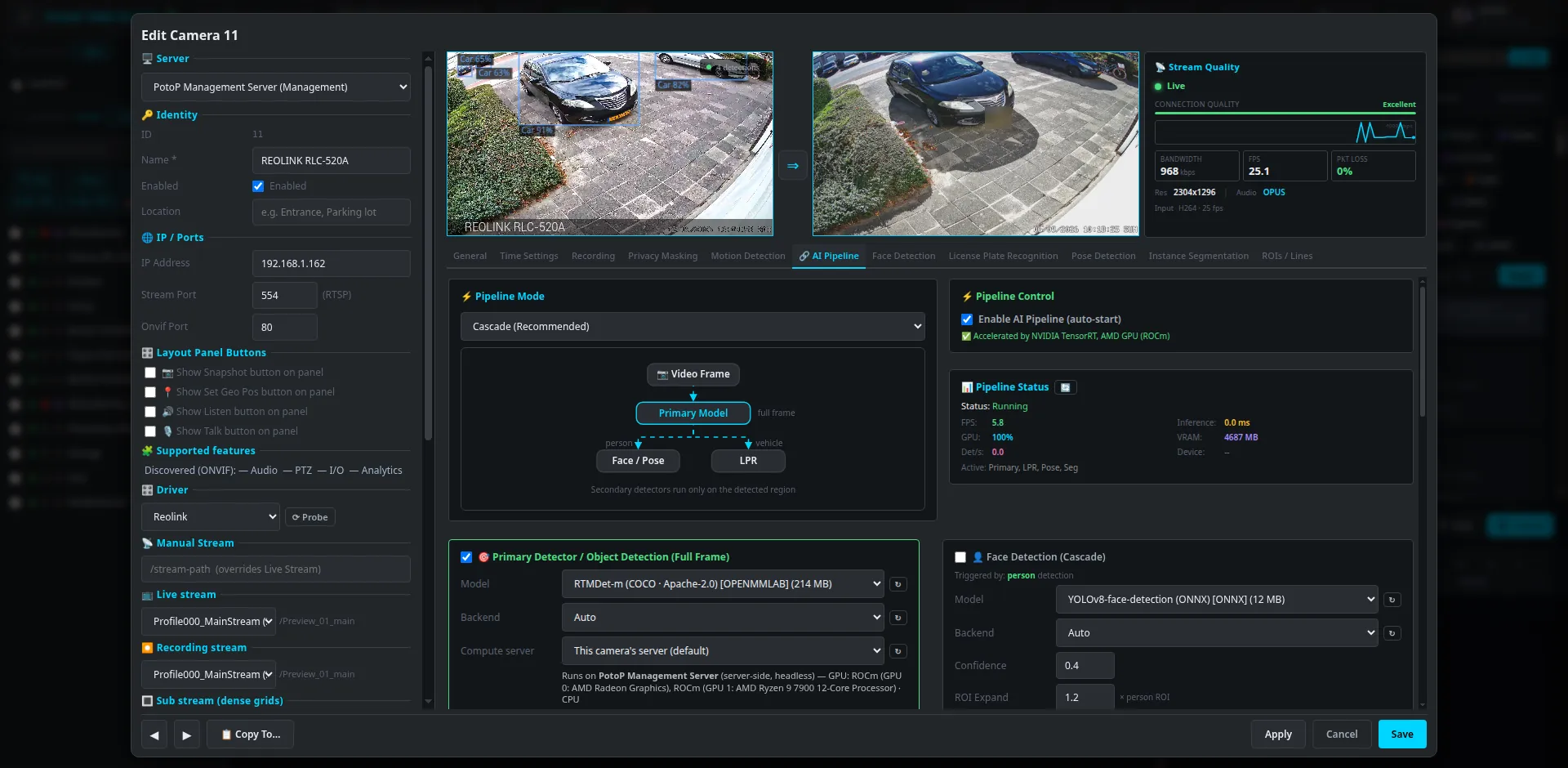
-
4
Watch and act
Put cameras on video walls, floor plans and phones. Events light up the timeline, start macros and send alerts by e-mail, Telegram or push notification.
Learn more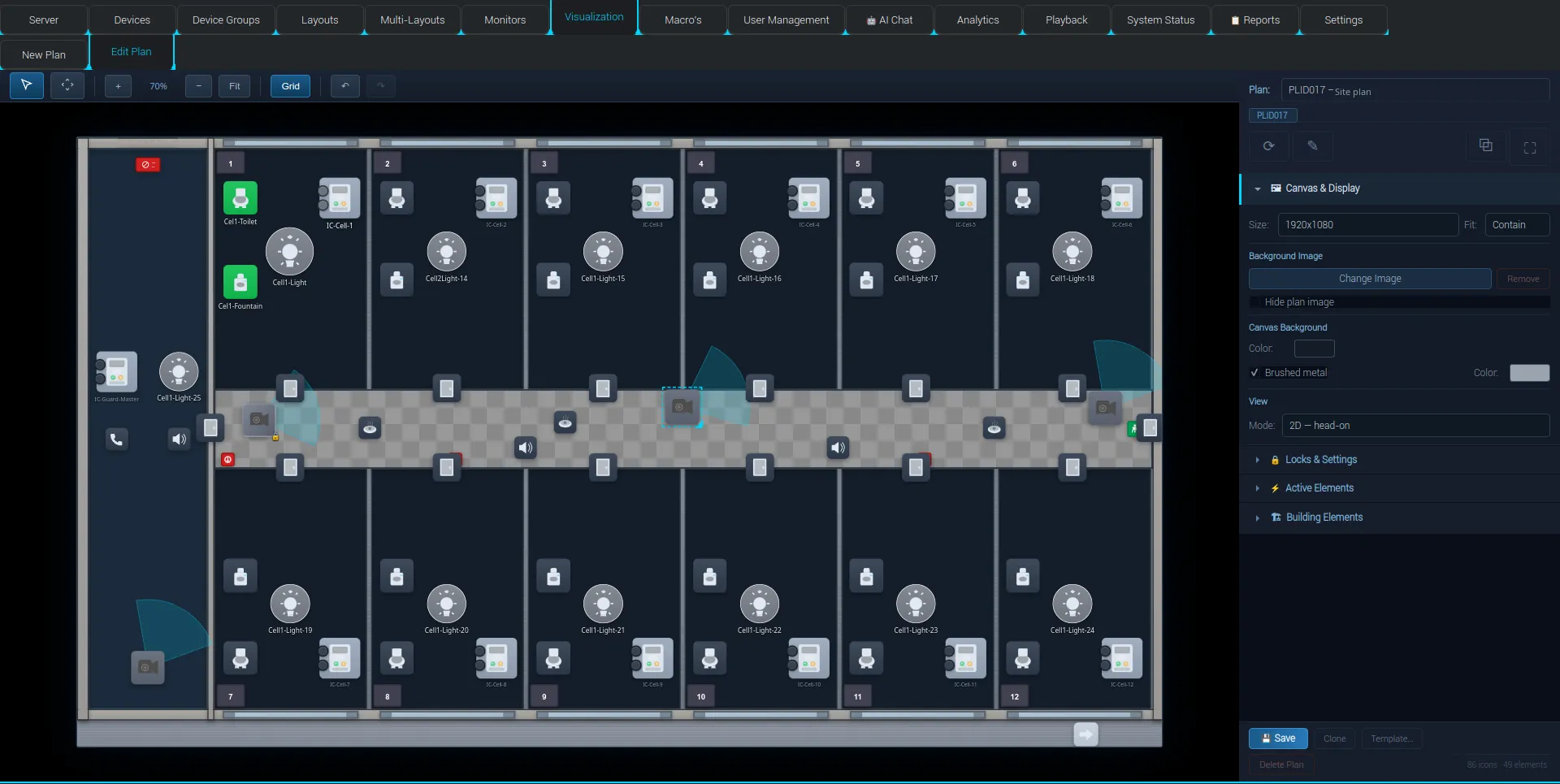
-
5
Stay up
A standby server mirrors the primary and takes over by itself. RAID health, disk usage and every connection stay visible in System Status.
Learn more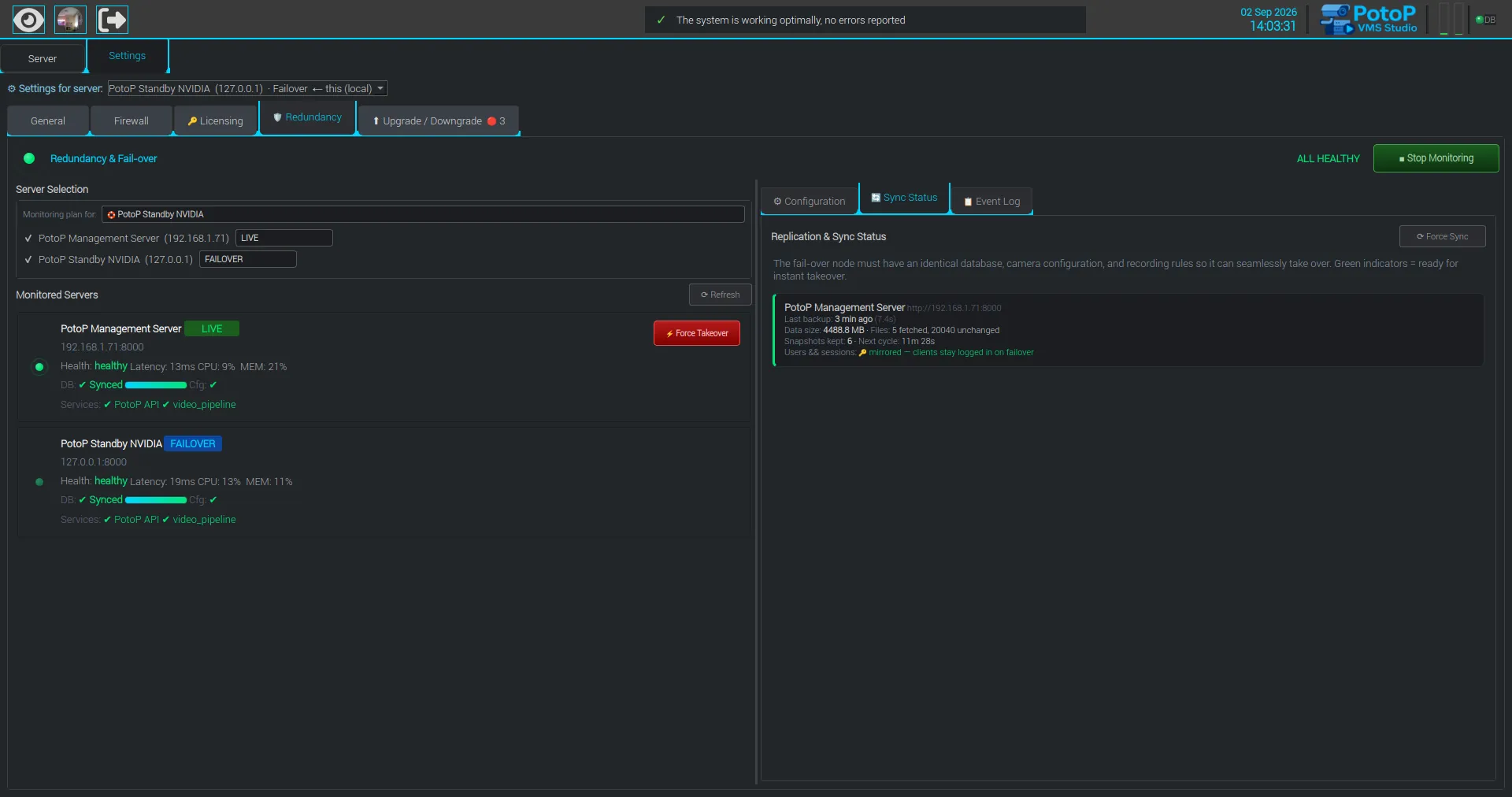
-
6
Run the business
PotoP Enterprise Suite plans the work, sends the people and invoices it — for any company, with or without cameras. Connected to PotoP VMS Studio, a failing camera opens a service call by itself and what the engineer draws is programmed into the server in one step.
Learn more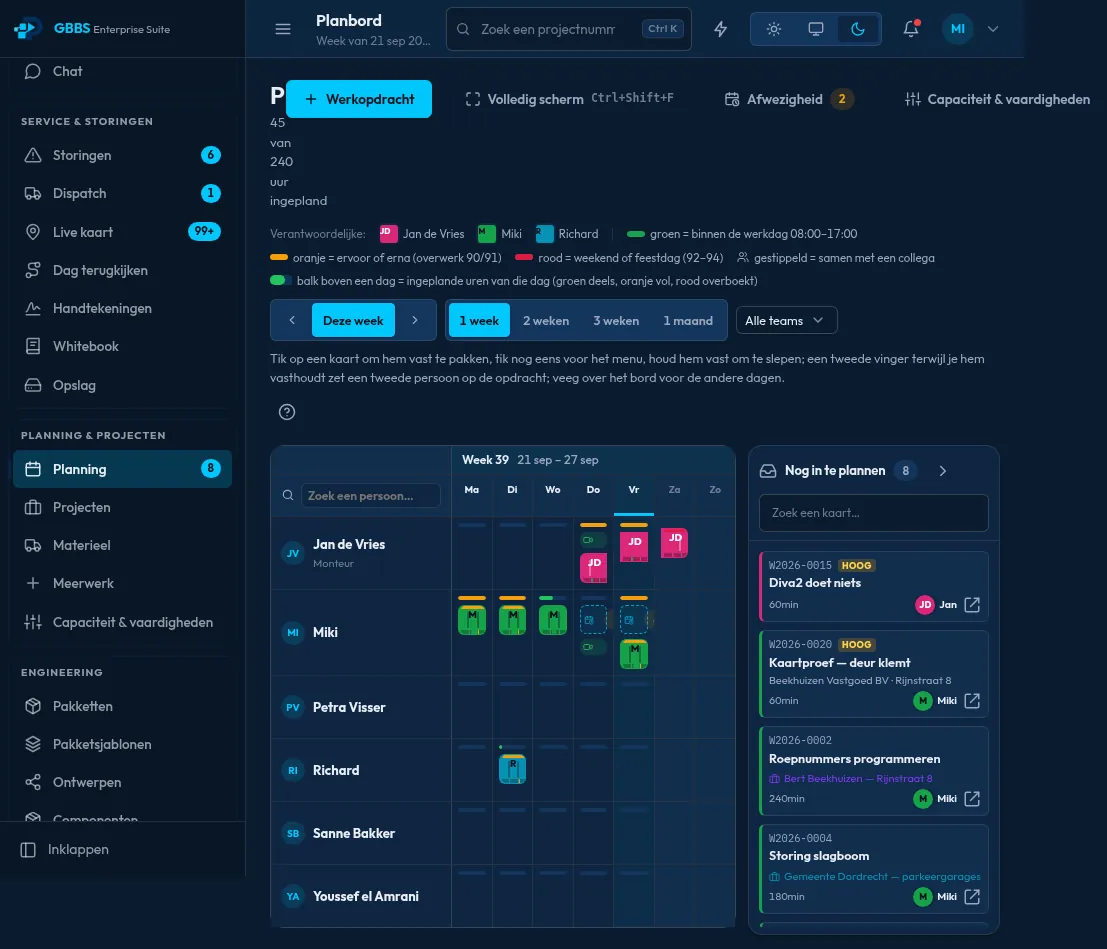
Secure by design
Security is not an add-on: it is how every part of the platform talks to the others.
Own certificate authority
PotoP issues certificates for its servers, cameras and clients, so every connection is verified HTTPS — no self-signed warnings.
Permissions per camera
Groups, roles and a permission matrix decide who may see, control or change each camera and setting.
Strong sign-in
Two-factor authentication, passkeys in the Enterprise Suite and fingerprint sign-in in the Android apps.
Evidence you can trust
Exports are encrypted and watermarked, and the standalone player verifies their signature before playing.
Everything audited
Every login, change and export is logged and can be reported as a PDF.
A hardened operating system
PotoP OS has no default passwords, hardened SSH with automatic bans and sandboxed services — secure from the first boot.
Signed, verified updates
Every update is checksum- and signature-verified before it is installed, a snapshot is taken first and a failed update rolls back by itself.
Made in the EU
Designed and developed in the European Union, for organisations that want their security software — and their data — close to home.
Your data stays home
Video, AI and business data stay on your own servers. Notifications come from your own server, not a cloud push service.
Ready to get started?
Download the latest builds, or tell us about your installation and we will help you plan it.