RAID layouts you can see
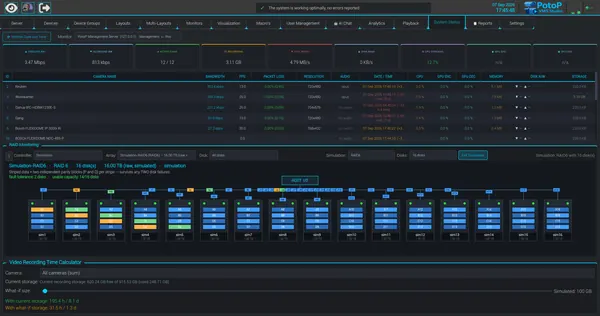
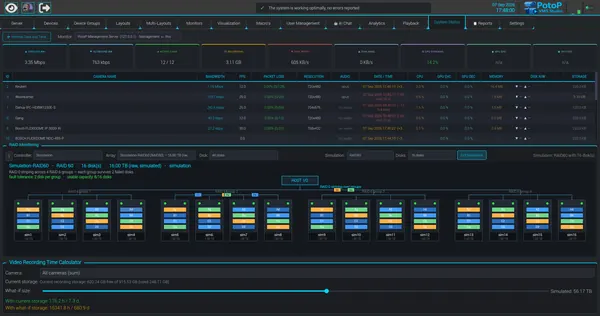
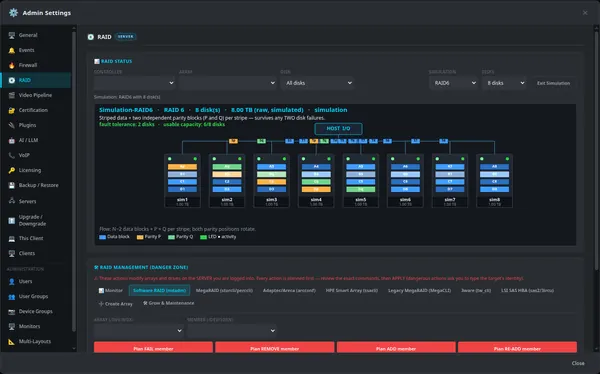
The RAID panel in the admin settings draws every disk and stripe, with data blocks and both parity positions colour-coded. This simulated RAID 6 example shows two-disk fault tolerance and usable capacity at a glance, so installers can plan storage before touching a real array.
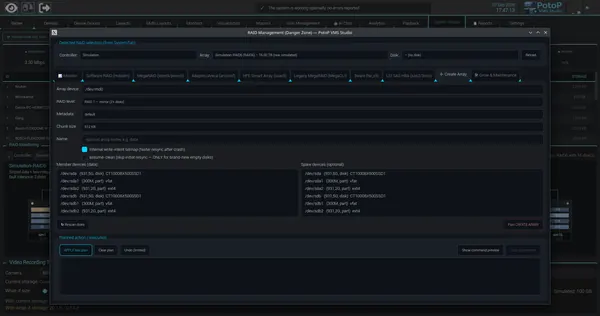
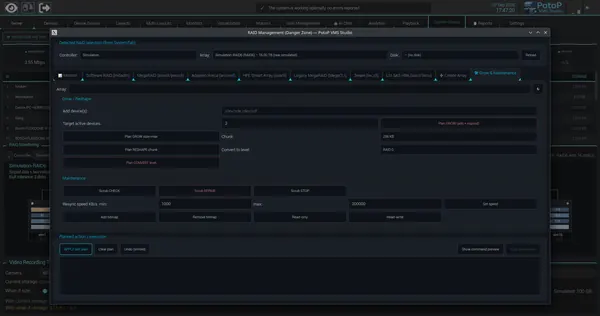
The RAID panel in the server admin settings is a drawing engine that lays out disks, stripes and parity for the chosen level. In simulation mode you pick a level and disk count and it renders a synthetic array, so nothing real is touched. On a live server the same view is filled from the actual controller: software RAID through mdadm, or hardware controllers through their vendor command-line tools. Fault tolerance and usable capacity are calculated from the level and disk count, and the diagram shows how parity rotates across members, so installers can plan before building an array.