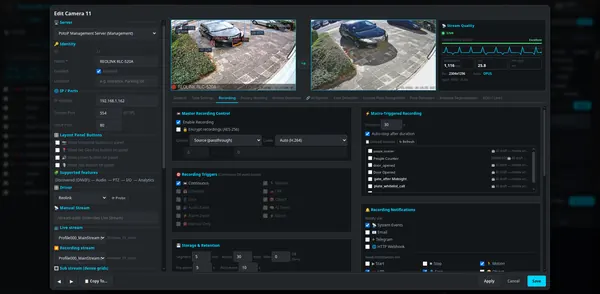
Web client
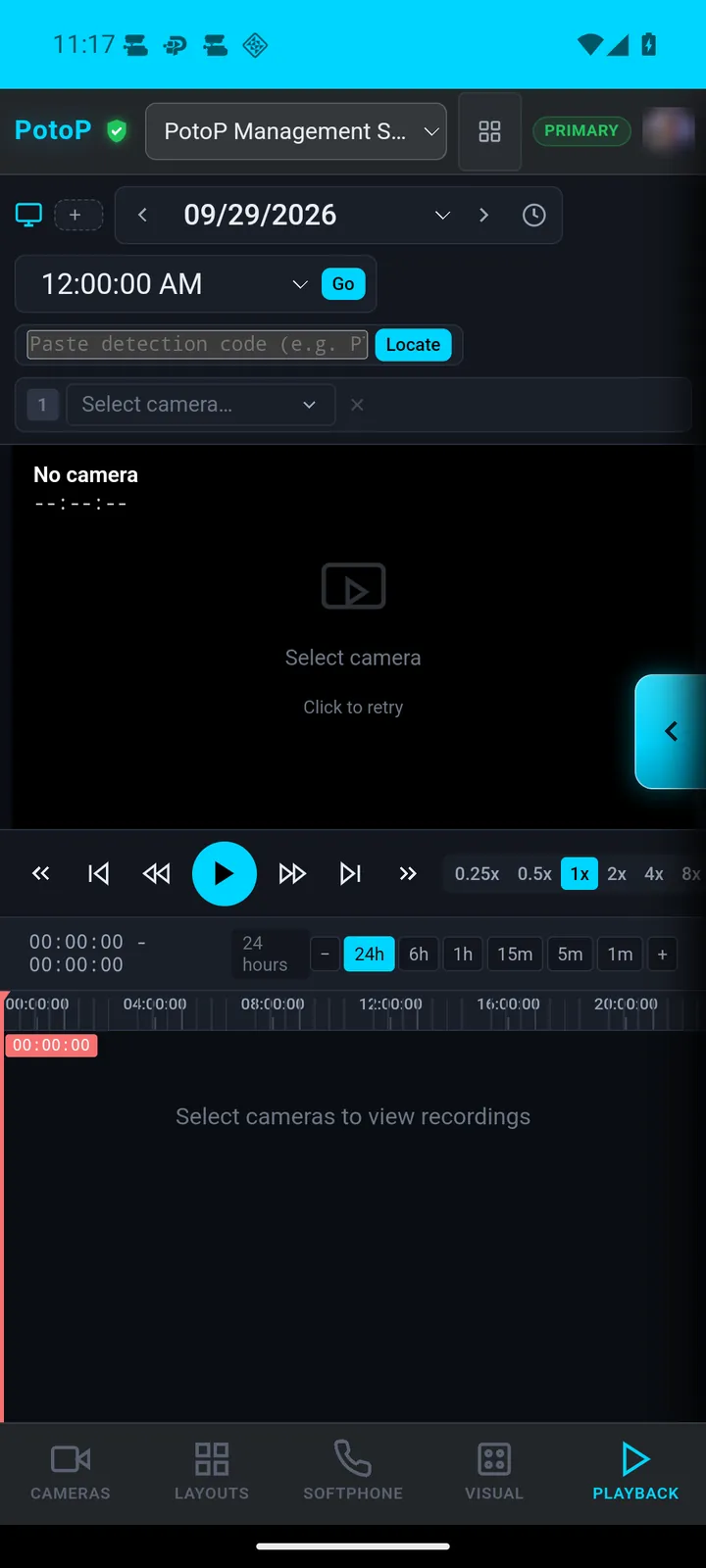
Playback with event timeline
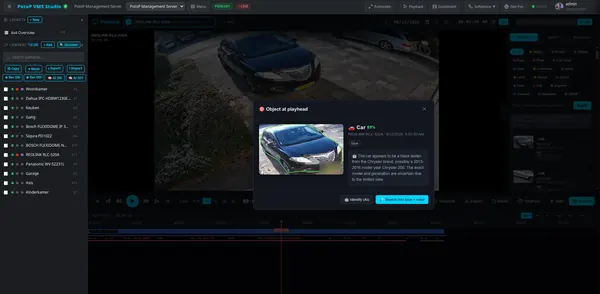
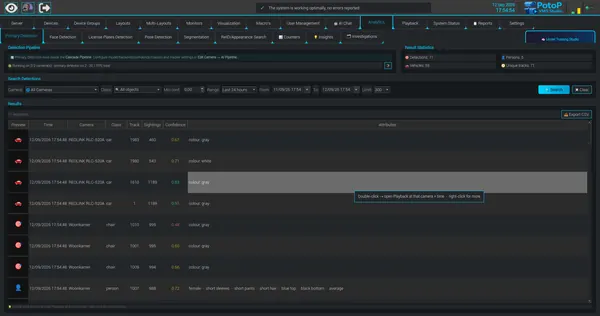
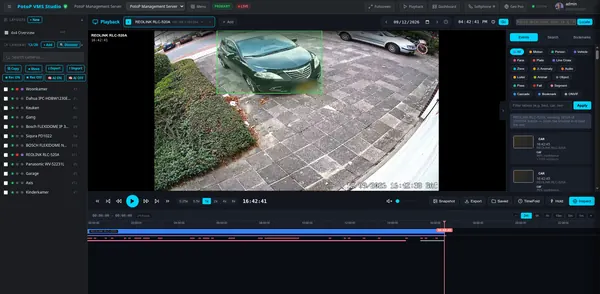
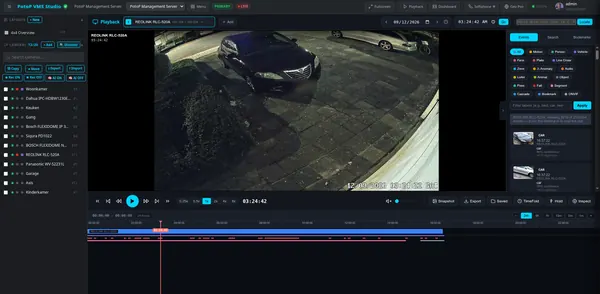
Pick a camera and a date, and the timeline shows recorded periods with motion and detection marks. The event panel lists detected cars, people and more with thumbnails, so you jump straight to what matters.
How it works
Recordings are stored as time-stamped segments on the server. When you pick a camera, a single WebSocket channel pushes the list of recorded periods and the stream of detection events, so the timeline fills without polling. Events come from the analytics database, where the AI pipeline wrote every motion, person, vehicle and plate detection with a thumbnail. The filter chips narrow the list by type. The server decrypts segments in memory when needed and serves the video to the browser. Clicking an event moves the playhead to that moment.