PotoP OS

Security. Performance. Control.

A hardened operating system based on Ubuntu 24.04 LTS that turns standard hardware into a ready-to-run PotoP video appliance: no default passwords, signed and verified updates you control, no telemetry, and every PotoP application installed in one go.

Made in the EU Runs on your own servers

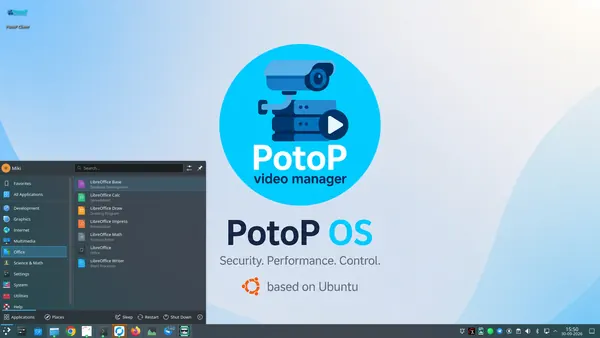
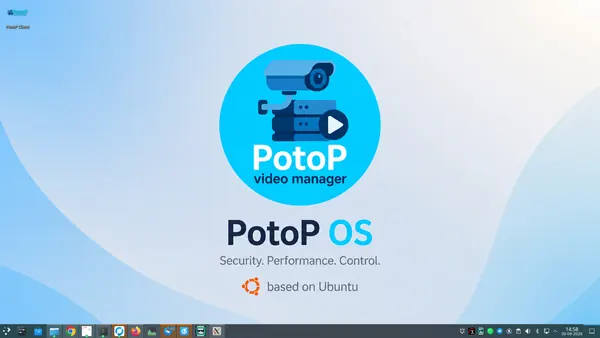
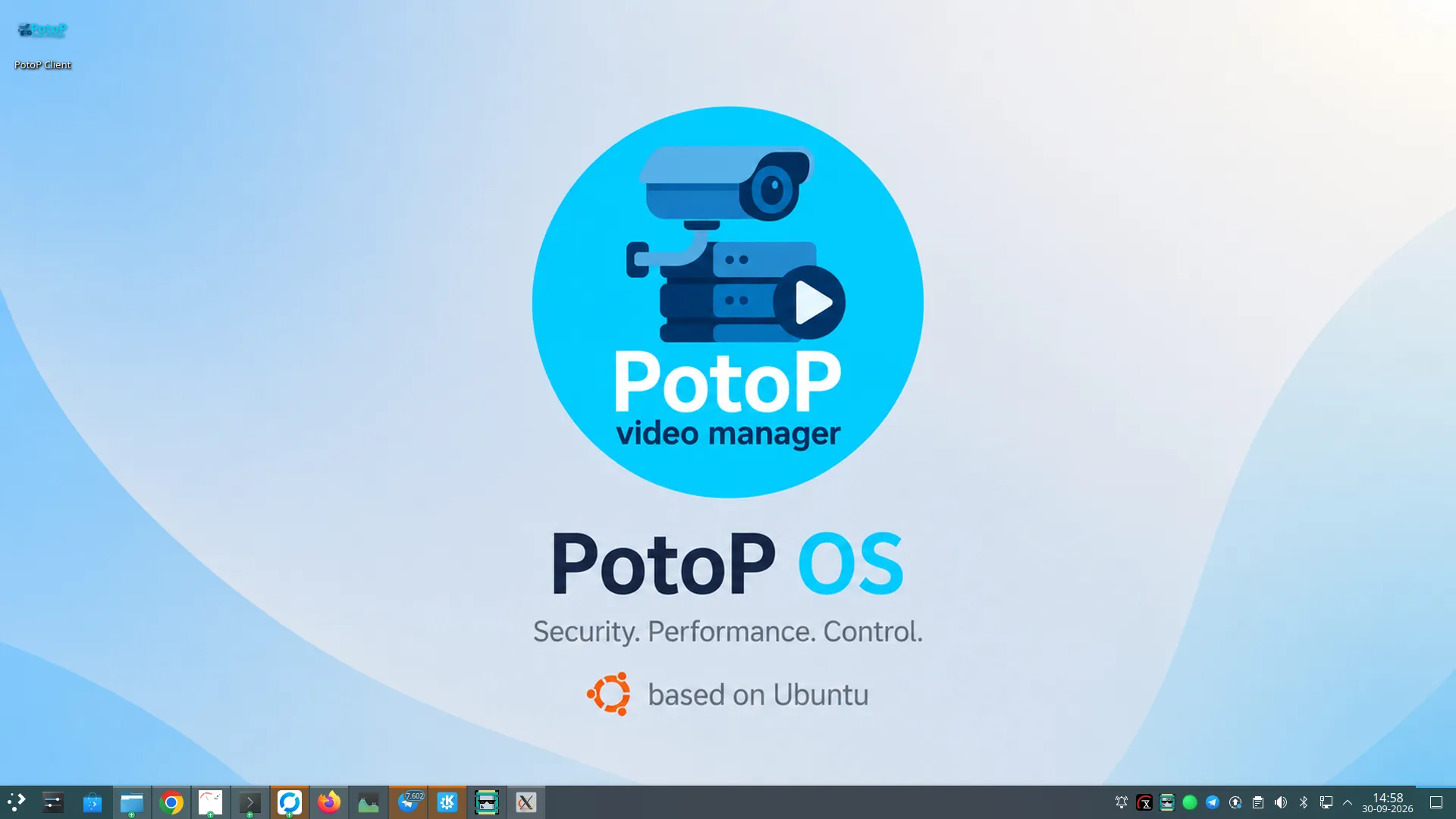
The PotoP OS desktop

Hardened out of the box

No default passwords, per-machine keys, hardened SSH with automatic bans, sandboxed services.

Signed updates you control

Checksums and GPG signatures verified, snapshot first, automatic rollback — and never an update behind your back.

No telemetry, no cloud

Crash reporting off, no phone-home; AI and video stay on the appliance.

Ready for your hardware

NVIDIA, AMD and Intel GPUs set up at first boot; Hailo and Axelera AI accelerators supported.

Installed in minutes

Hybrid BIOS/UEFI installer from USB and a first-boot wizard — graphical or text for headless boxes.

Everything included

PotoP server and clients, player, office suite, browsers and self-hosted remote support.

An appliance, not a project

PotoP OS is a complete, hardened Linux system for video and security work. It is based on Ubuntu 24.04 LTS with the KDE Plasma desktop, and it comes with the PotoP server, the desktop client, the web client, the player and the drivers already installed and wired together. Install it from a USB stick, answer a few questions in the first-boot wizard, and the machine starts recording.

Secure from the first boot

There is no default password to forget to change: the installer creates a named administrator with a password you choose, and the root account has none. Secrets such as signing keys and encryption keys are generated on each machine at first boot — never shipped inside the ISO. SSH is hardened, brute-force attempts are banned automatically, and PotoP's background services run as unprivileged, sandboxed accounts.

Updates you can trust — and control

PotoP updates come from our own distribution portal: every file is checked against a SHA-256 checksum and a GPG signature before anything is installed, a snapshot is taken first, and a failed update rolls back by itself. Nothing updates or reboots behind your back; you decide when.

Private by design, made in the EU

PotoP OS sends no telemetry and needs no cloud. AI analysis, video and settings stay on your hardware, and remote support only happens through your own, opt-in relay or VPN. It is designed and developed in the European Union.

Cyber secure by design

PotoP OS is built to be put on a network and left running for years. These protections are part of every installation — no extra hardening project needed.

No default passwords

The installer creates a named administrator with a password you choose (at least 8 characters); the root account gets no password and the live-session user is locked and removed.

Keys made on your machine

Signing keys, the encryption key for camera passwords and the WebRTC certificate are generated on each machine at first boot — never baked into the ISO. SSH host keys are unique per appliance.

Hardened SSH

No root login by password, at most 4 attempts, short login grace and no forwarding; once a key is added it switches to key-only. fail2ban bans attackers, with ban times rising to a day.

Sandboxed services

PotoP's background services run as unprivileged accounts under systemd sandboxing: no new privileges, read-only system, private temporary files and minimal capabilities.

HTTPS in one step

A built-in certificate authority issues the server certificate and installs trust in the system and browsers; if the server does not come back on HTTPS the change reverts itself.

Verified updates, on your terms

Update requests are signed, every file is SHA-256 checked and GPG verified, unsigned code is refused and a failed update rolls back. Nothing updates, and nothing reboots, unless you decide so.

Protected sign-in

Passwords are stored as bcrypt hashes, accounts lock after 5 failures, two-factor sign-in is available and security events go to an audit log.

No telemetry

Crash reporting is switched off and there is no phone-home: the appliance only contacts our distribution portal for licences and updates, and Ubuntu's mirrors when you update.

Opt-in remote support

The RustDesk relay and the WireGuard VPN are self-hosted and off until you enable them — remote sessions never pass through public services.

Feature tour

Every screen below is a real screenshot. Search for a feature or pick a chapter; click a picture to see it full size and page through them with the arrow keys.

01

Desktop & applications 5 screens

A familiar KDE Plasma desktop with every PotoP application and the everyday tools already installed.

The PotoP OS desktop
Highlight PotoP OS desktop

The PotoP OS desktop

A clean KDE Plasma desktop with the PotoP branding, a task bar with the tools an operator needs and a system tray that shows the PotoP server, updates and network at a glance. It is the same desktop on every appliance you deliver.

How it works

PotoP OS is Ubuntu 24.04 LTS with the KDE Plasma desktop and the SDDM login screen. The installer puts the complete PotoP stack in place, so after the first-boot wizard the machine starts straight into this desktop with the PotoP server running as a system service. The tray indicator talks to the local server to show its state; nothing here depends on a cloud service.

PotoP applications on board
PotoP OS desktop

PotoP applications on board

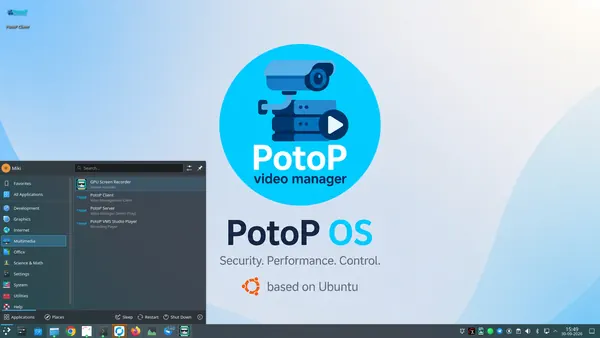
The Multimedia menu holds the PotoP Client (the desktop VMS), the PotoP Server tray, the PotoP VMS Studio Player for exported recordings and a GPU screen recorder. Everything to run and review a video system is installed from the first boot.

How it works

The PotoP server runs as a background service and is managed from its tray icon; the Qt6 desktop client connects to it like any other client, and the web client is served by the same server. The standalone player opens encrypted exports and checks their signature before playing. All of it is installed and wired up by the installer, so there is nothing to download or configure by hand.
System tools for installers
PotoP OS desktop

System tools for installers

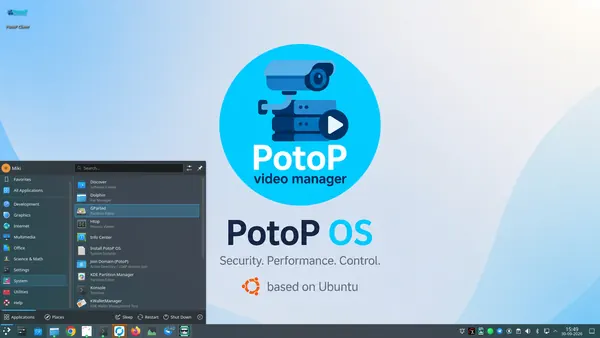
The System menu brings the tools an installer needs: the PotoP OS installer, joining an Active Directory or LDAP domain, partition editors, a process viewer, a terminal, the software centre and a password wallet.

How it works

Install PotoP OS starts the graphical installer from the live session: it creates a named administrator with a password you choose and no default root password. Join Domain connects the machine to an existing Active Directory or LDAP directory so operators sign in with their company account. Discover installs further software from the Ubuntu archives when the operator decides to.

Browsers and self-hosted remote support
PotoP OS desktop

Browsers and self-hosted remote support

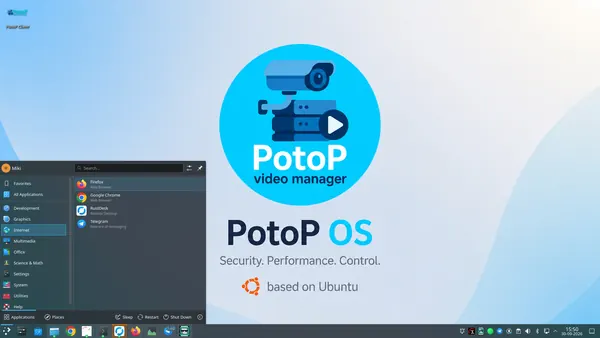
Firefox and Google Chrome for the web client and daily work, Telegram for alerts, and RustDesk for remote support — through your own relay, never through a public service.

How it works

The RustDesk relay that comes with PotoP OS is self-hosted: it runs under its own unprivileged, sandboxed service account and is switched off until you enable it, so remote sessions never pass through the public RustDesk infrastructure. For site-to-site access a self-hosted WireGuard VPN is built in as well, also opt-in.

Office work on the same machine
PotoP OS desktop

Office work on the same machine

LibreOffice is included: write reports, keep spreadsheets and open documents from customers without installing anything else on the control-room computer.

How it works

The LibreOffice suite comes from the Ubuntu 24.04 archive and is kept up to date through the same operator-controlled update path as the rest of the system. Because everything is local, documents with incident details stay on the appliance.

02

Settings & control 4 screens

Firewall, power, displays and appearance — set per machine for round-the-clock duty.

Quick settings and the firewall
Highlight PotoP OS desktop

Quick settings and the firewall

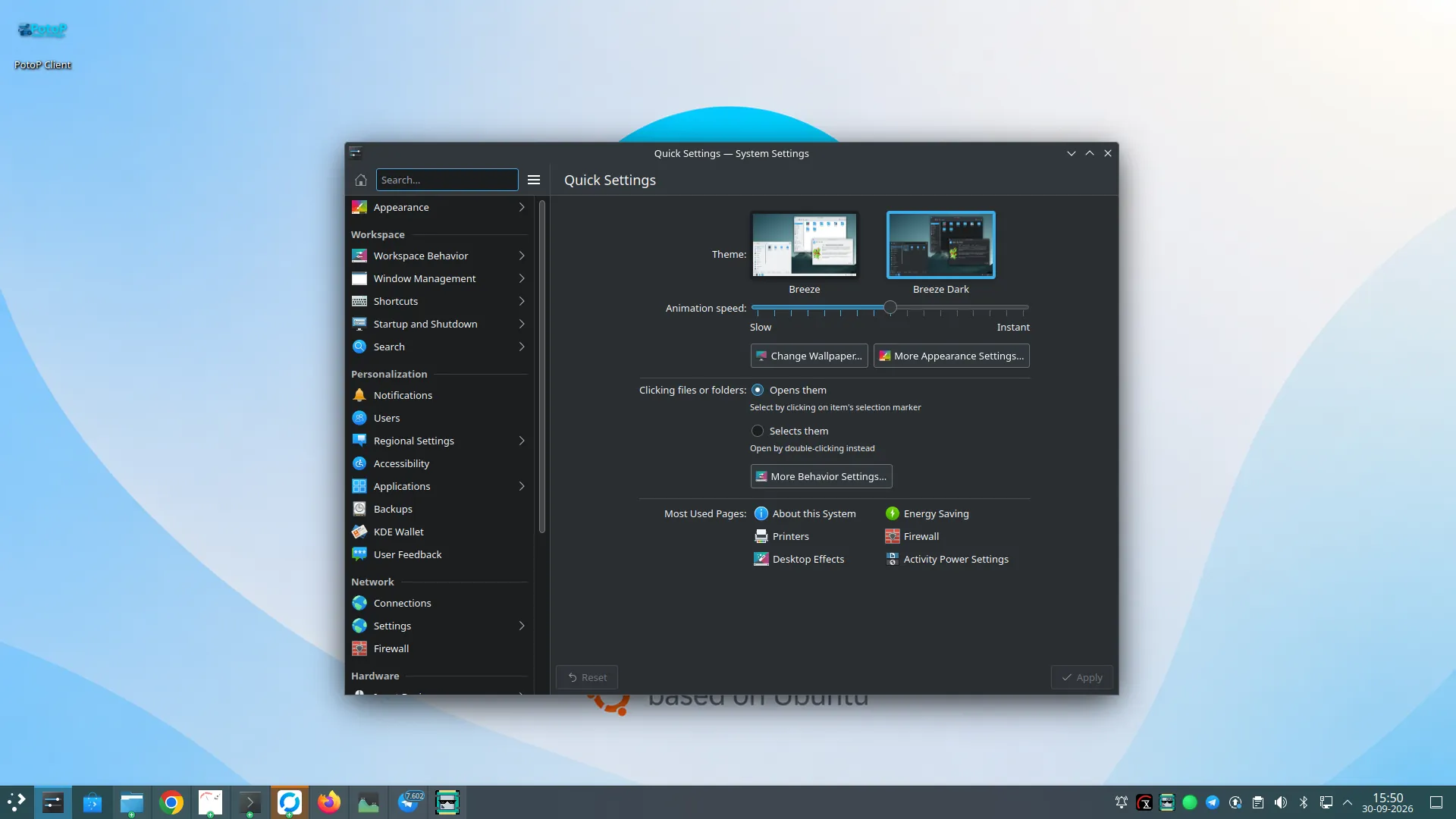
System Settings open on the pages used most, with the firewall one click away. Appearance, behaviour, printers, energy saving and desktop effects are all set from here.

How it works

The firewall is Ubuntu's UFW. Its rules can be managed here, from the PotoP desktop client and from the web client; the PotoP side accepts only strictly validated ports and protocols and only for administrators. Changes that need root run through a small set of root-owned, validated helper scripts rather than a general root shell for the service account.

Energy settings for 24/7 duty
PotoP OS desktop

Energy settings for 24/7 duty

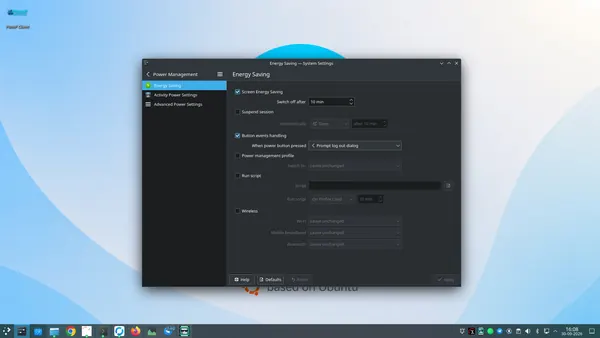
Screen energy saving, the power button and power profiles are set per machine, so a recorder never sleeps while a video wall can still switch off its screens at night.

How it works

These are the standard Plasma power settings. The PotoP server runs as a system service with a watchdog and memory guard: if it ever hangs or leaks memory it is restarted automatically without taking the rest of the appliance down, independent of what the desktop is doing.

Displays for control rooms
PotoP OS desktop

Displays for control rooms

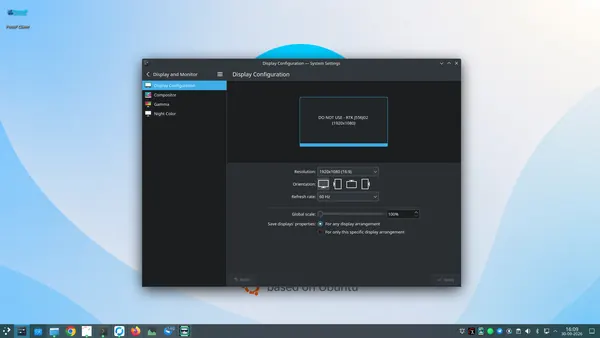
Resolution, orientation, refresh rate and scaling per connected screen — the basis for multi-monitor video walls driven from the PotoP client.

How it works

Plasma's display configuration sets up the monitors; the PotoP client then recognises each screen with a permanent code so a video-wall layout always lands on the same physical monitor. GPU drivers for NVIDIA, AMD and Intel are selected for the actual card at first boot.

Light or dark, your choice
PotoP OS desktop

Light or dark, your choice

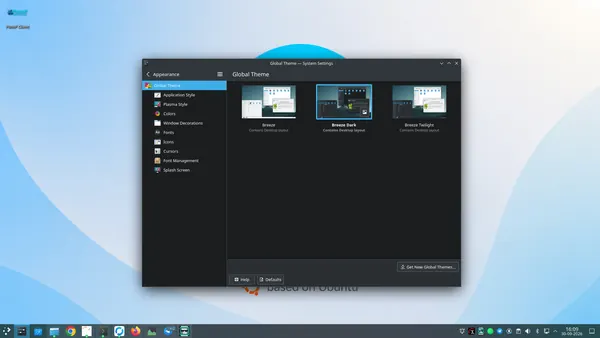
Global themes switch the whole desktop between light, dark and twilight in one click — a dark theme is easier on the eyes in a dimmed control room.

How it works

The themes are standard KDE Plasma global themes, so fonts, colours, icons and window decorations change together. Settings are stored per user account, so each operator can keep the look they work best with.

Under the hood

How PotoP OS is built, where it runs and how it keeps your data safe.

01

Ubuntu LTS foundation

Ubuntu 24.04 LTS with the hardware-enablement kernel and the KDE Plasma desktop. Drivers that live outside the kernel are rebuilt automatically through DKMS when the kernel is updated.

02

Installer and first boot

A hybrid BIOS and UEFI ISO with a branded graphical installer. On first boot a wizard sets up the machine — graphically, or as a text wizard on headless recorders — and generates the machine's own keys.

03

GPU and AI accelerators

At first boot the graphics card is detected and the matching NVIDIA CUDA, AMD ROCm or Intel stack is installed. Hailo and Axelera accelerator drivers are included; an offline ISO for air-gapped sites can be built.

04

Built-in network services

DHCP, RADIUS, SIP telephony, TURN and WebRTC gateway run on the appliance itself, so a site needs no extra servers for cameras, intercoms or browser video.

05

Three ways to manage

The PotoP web client, the desktop client with its tray indicator, and a text console for headless machines. The Cockpit web console adds OS-level management over TLS only.

06

Ready for failover

A standby appliance can continuously pull a full backup of databases and configuration from the live server and take over with the current state.

Want to see PotoP OS on your own site?

Tell us about your installation — we are happy to show you around or set up a trial.