Professional

For businesses & organisations

Professional software for companies, organisations, installers and integrators.

  • Licences, installation and support by M.B.L.M. Systems
  • Signed updates, two-factor sign-in and your data under your control
  • Advice and a demo on request
Professional

PotoP VMS Studio

Professional Video Management System

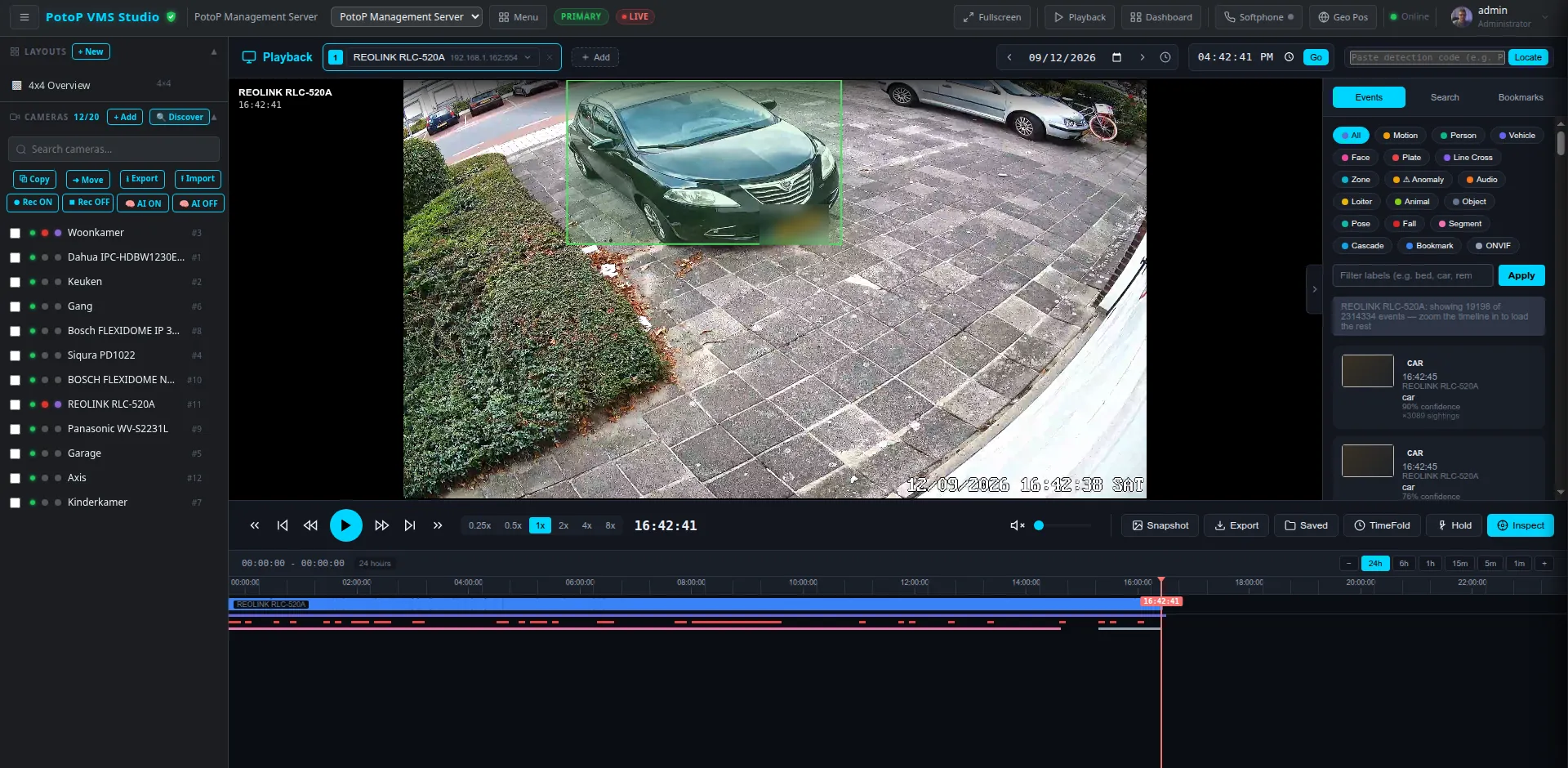
One system for live video, recording, AI detection, floor plans and control-room walls โ€” with its own certificate authority, failover to a standby server and a desktop, web and Android client.

  • Video walls Multi-monitor layouts, identified screens and one-click projection from any client.
  • Playback that finds things Event timeline, detections on recordings, TimeFold synopsis and encrypted, watermarked export.
  • AI on your own hardware Object, pose, segmentation, plate and face analysis with cross-camera search โ€” no cloud.
  • Live floor plans Cameras, doors, lights and intercoms on your plans with live state and view cones.
Take the tour 77 screens explained
Detections drawn on recordings
Professional

PotoP Enterprise Suite

One business suite for planning, field work, people and finance

Planning, field service, projects, engineering, people, payroll, purchasing, invoicing and bookkeeping in one web application โ€” for any company with work to plan and people to send. It stands on its own; add PotoP VMS Studio and camera faults and system designs flow in by themselves.

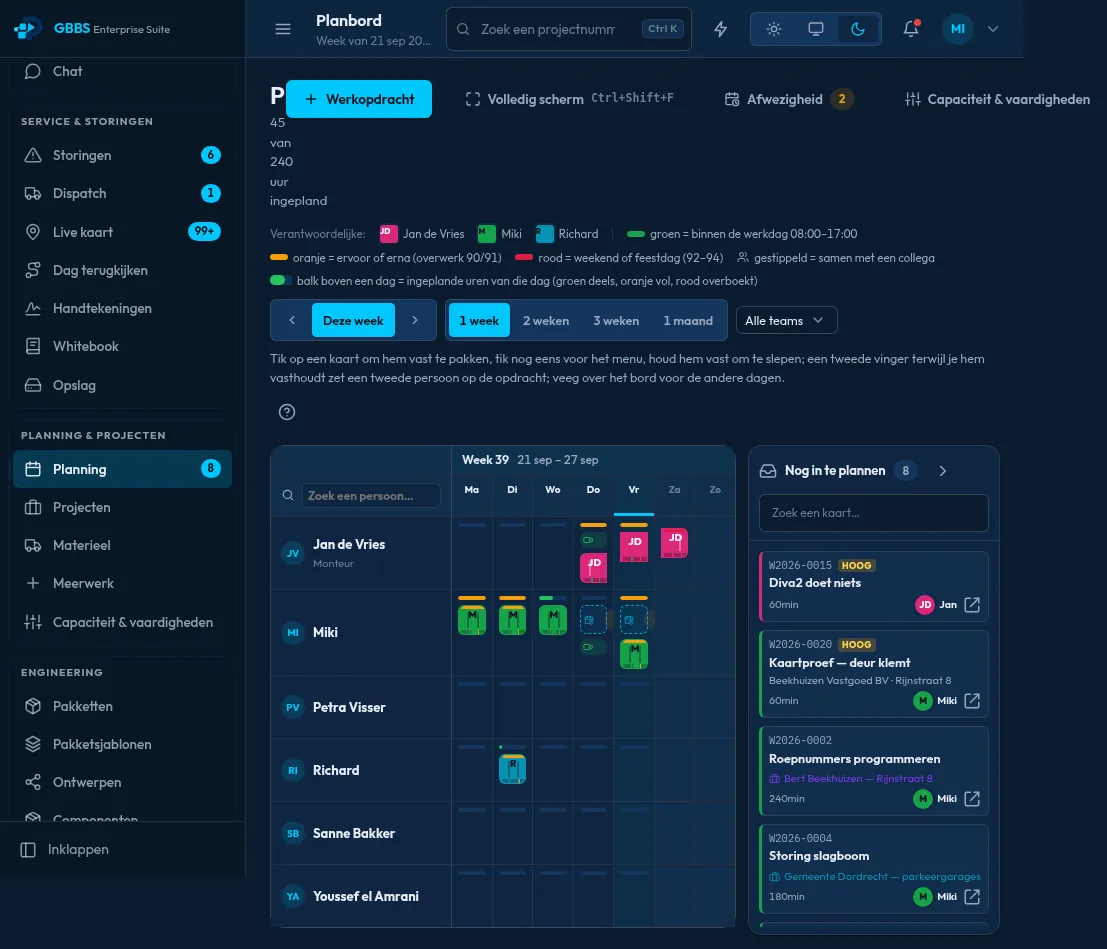
  • Planning board Drag and drop jobs, crews and multi-day work; everyone sees their own schedule.
  • Field service & faults Work orders, service calls with SLA clocks, dispatch and a live map of the team.
  • Engineering A visual system designer, reusable building blocks, packages and certificate tracking.
  • People, hours & payroll Leave, sickness, timesheets against the roster and payroll runs from approved hours.
Take the tour 27 screens explained
Planning board with drag and drop
Professional

PotoP API Translator

Replace the video system, keep every integration

A PLC, a video wall controller, a building management system or a PSIM keeps sending the commands it always sent. The API Translator carries each one out on PotoP VMS Studio and answers in the shape the other system expects โ€” TKH VDG Sense, Commend ICX, Milestone XProtect and Genetec Security Center, command for command.

  • Command for command Every command of the other system's API, translated to PotoP VMS Studio calls โ€” the table is generated from the code.
  • Four connectors TKH VDG Sense, Commend ICX, Milestone XProtect (MIP VMS API) and Genetec Security Center (Web SDK).
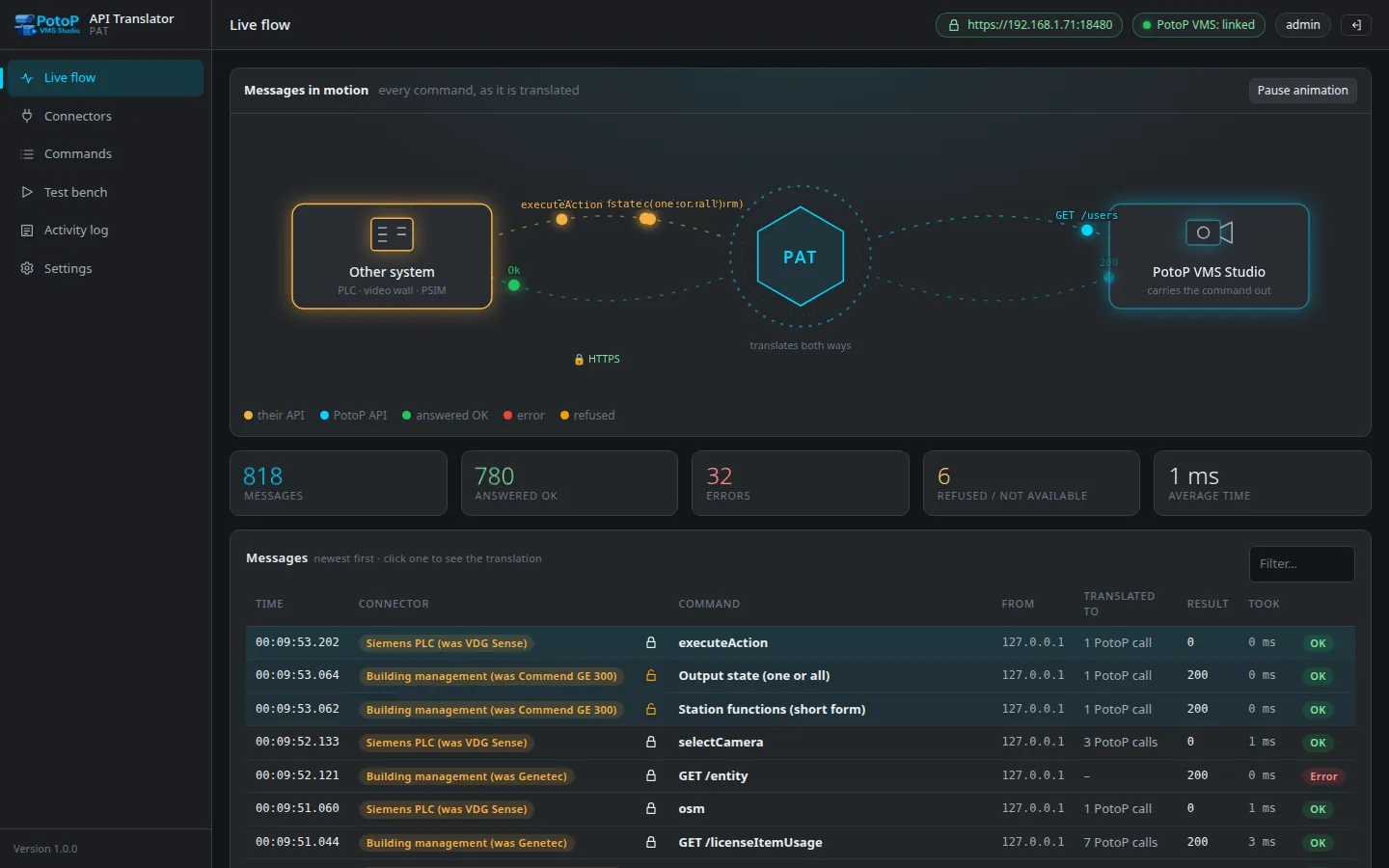
  • Live flow Watch each message travel from the other system through the translator to the VMS and back, with every step.
  • Test bench Send any command the way the other system would; it is really carried out on PotoP, with the answer and the calls made.
Take the tour 18 screens explained

Live flow: every command as it is translated
Professional

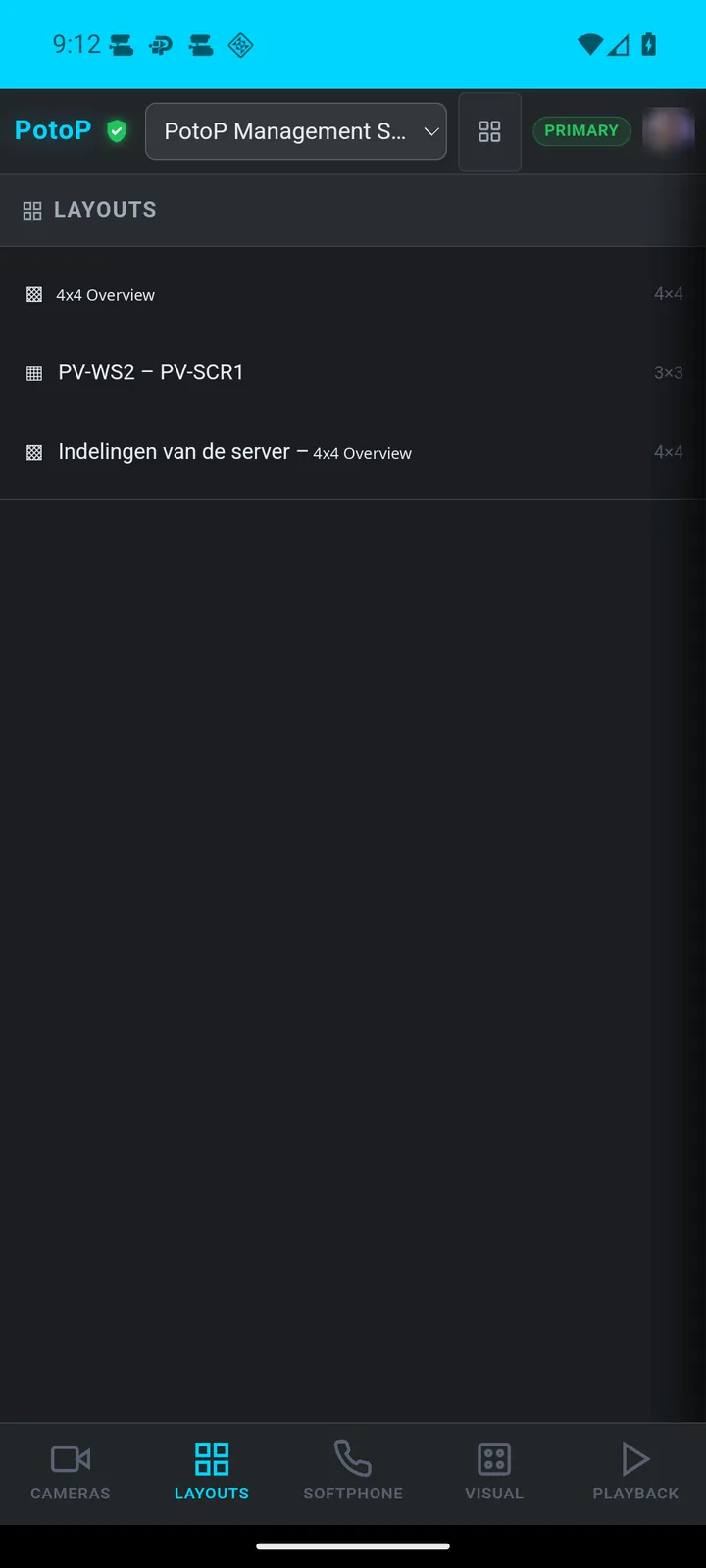
PotoP VMS for Android

Your cameras, floor plans and alarms in your pocket

The full PotoP VMS client on an Android phone: live camera walls, playback, floor plans, the softphone and instant alarms โ€” signed in with your fingerprint.

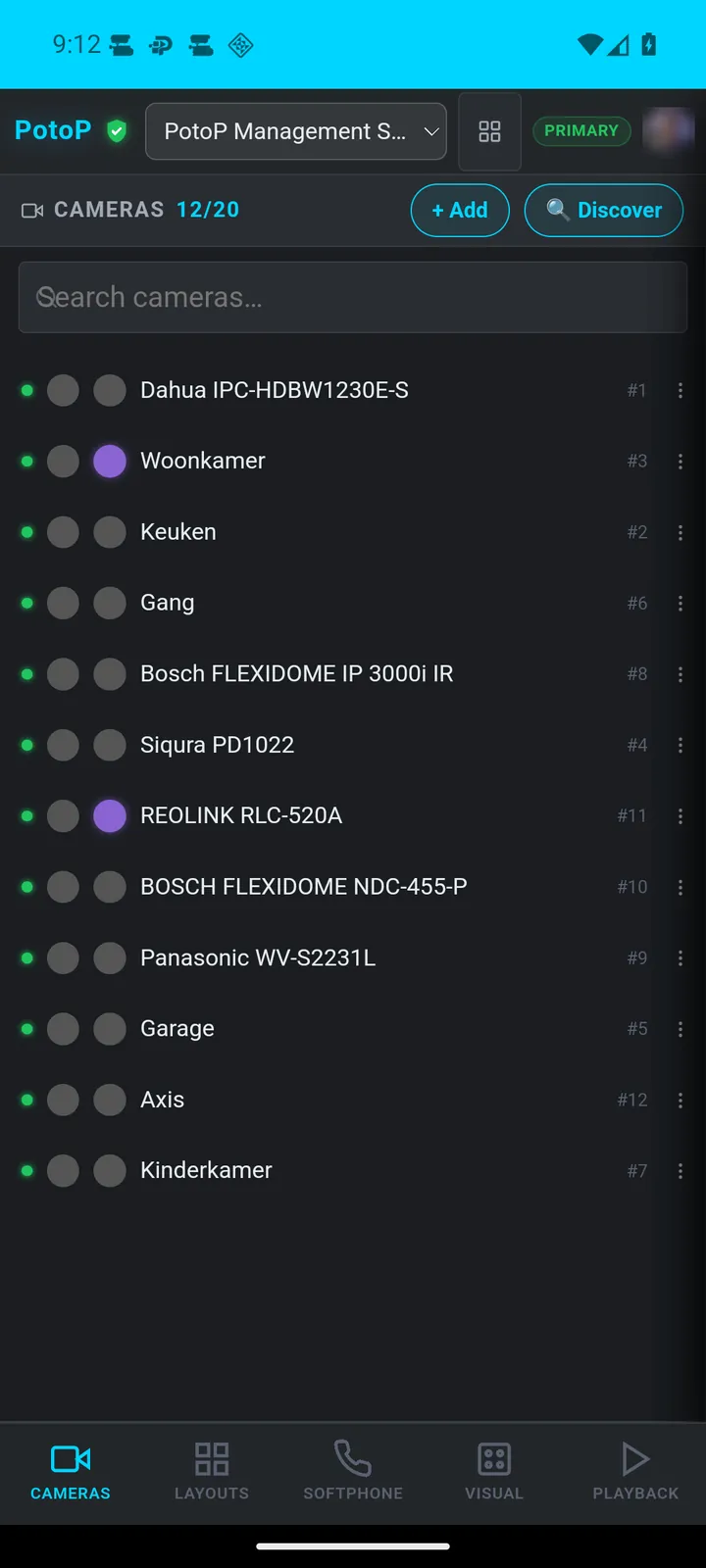
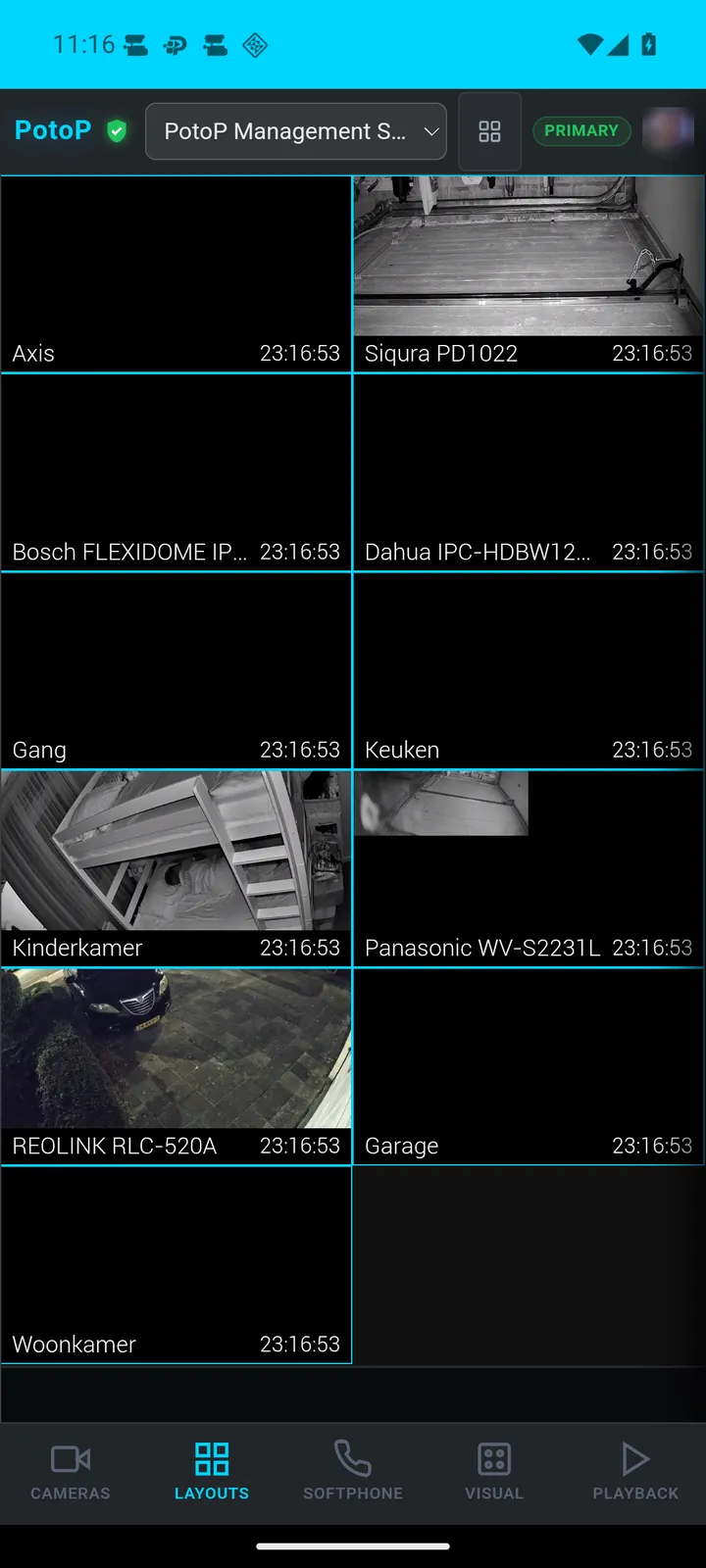
  • Live camera walls Server layouts and camera lists with live status, one tap away.
  • Playback & floor plans Timeline playback and live floor plans with device status.
  • Softphone & intercom Take intercom calls and dial extensions from the app.
  • Fingerprint sign-in Biometric sign-in and a pinned server certificate.
Take the tour 14 screens explained
Camera list with live status
Live camera wall in your hand
Layouts from the server
Professional

PotoP VMS for Sailfish OS

A native PotoP client for Sailfish OS phones

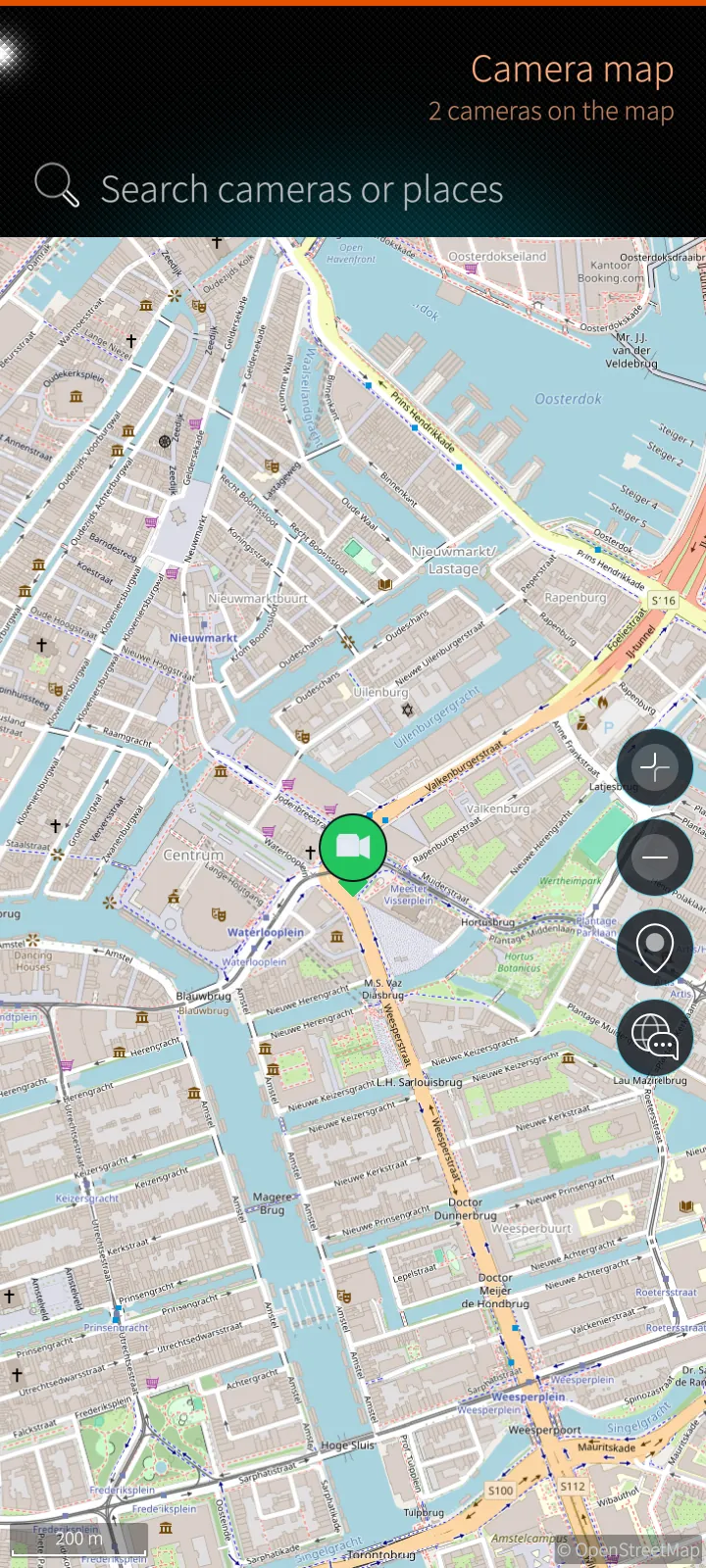
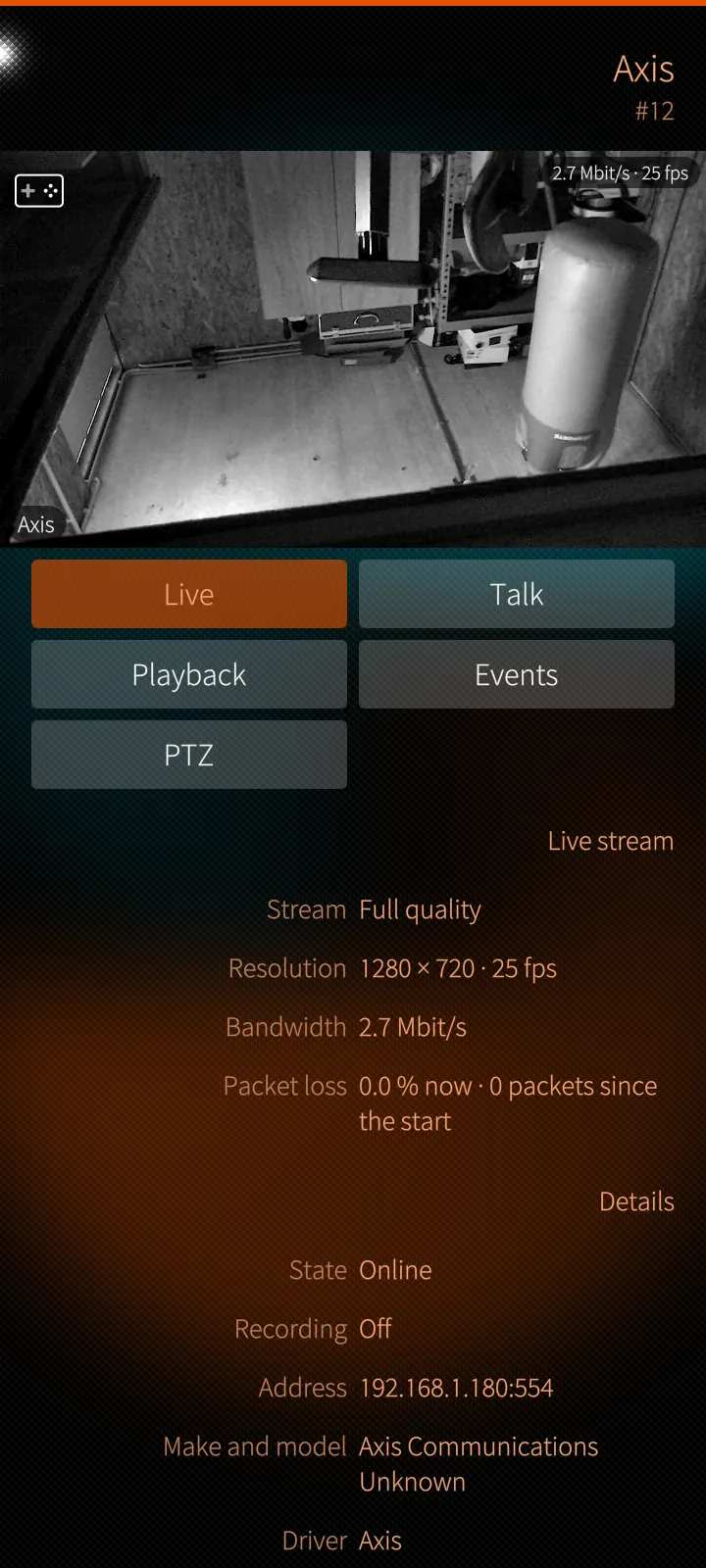
PotoP VMS made for Sailfish OS: native pages, live video decoded by the phone's hardware, native playback, the alarm register, the camera map, PTZ and the softphone โ€” with alarms that reach you while the app is closed.

  • Live video in hardware WebRTC live view decoded by the phone, layouts as a native live grid.
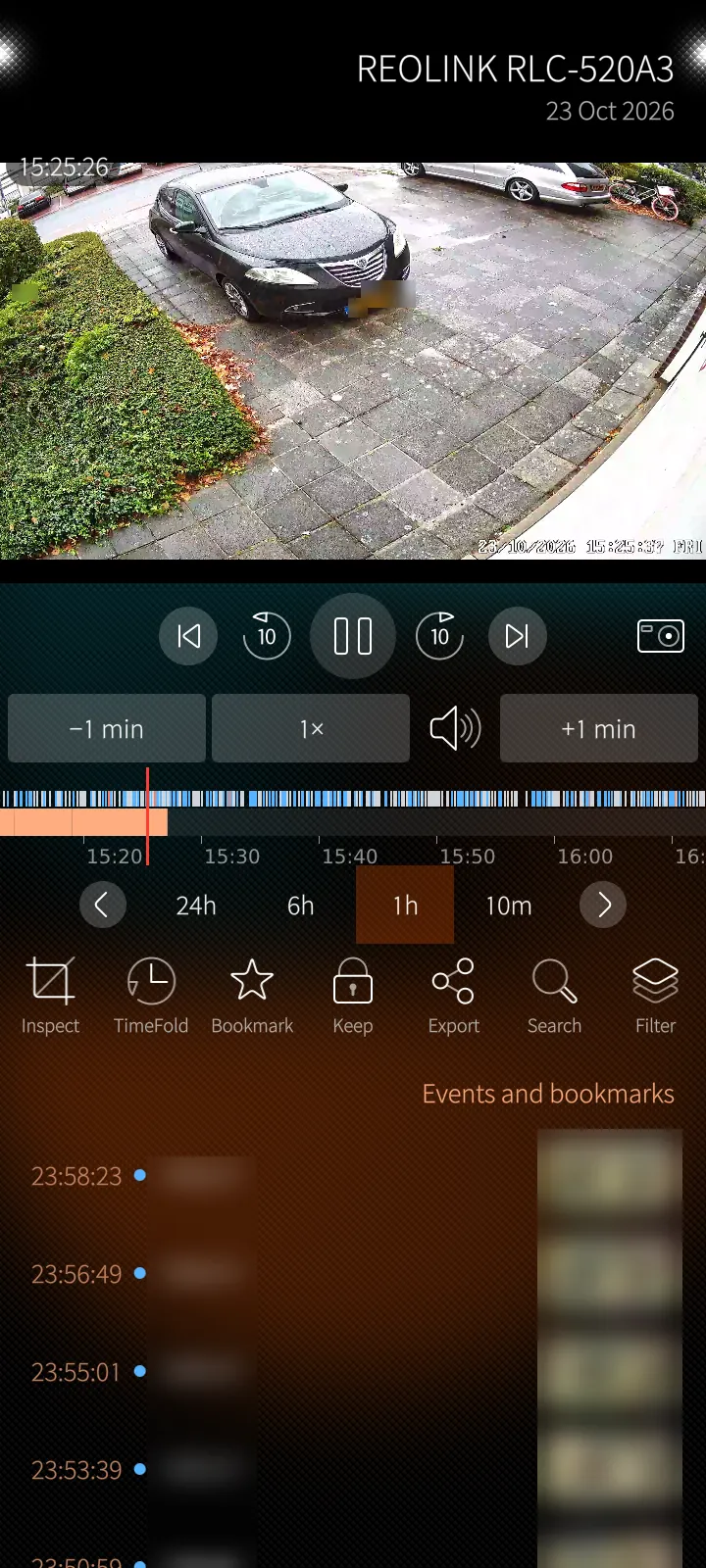
  • Native playback Timeline, events, speeds, export, TimeFold and AI inspection.
  • Alarms while closed The alarm register live, and notifications straight from your server.
  • Camera map Status, alarm rings and view cones, and cameras placed from the phone.
Take the tour 24 screens explained
The camera map
Live video in hardware
Native playback with a timeline
Professional

PotoP Enterprise Suite for Android

The field team's day on one screen

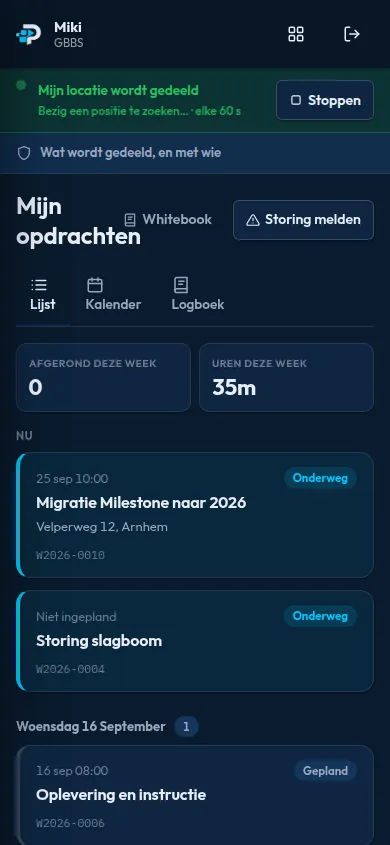
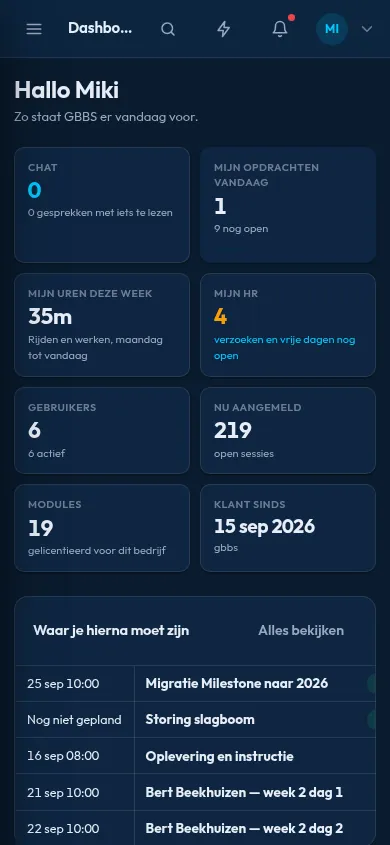
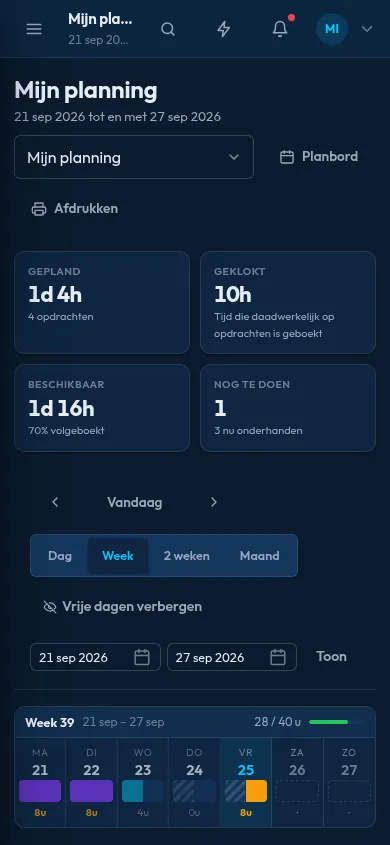
PES on the phone for field staff, planners and managers: today's jobs, service calls, the live map, timesheets and encrypted chat โ€” with notifications straight from your company's PES portal.

  • My jobs today Planned work, addresses and job details for the technician.
  • Faults & dispatch Report and follow faults, dispatch work orders from the phone.
  • Live map See where the team is, with location sharing that people control.
  • Hours on the spot Weekly timesheets against the roster, submitted from the phone.
Take the tour 11 screens explained
Field app: my jobs
Dashboard for the day
Your planning at a glance
Professional

PotoP Enterprise Suite for Sailfish OS

The whole working day, native on Sailfish OS

PotoP Enterprise Suite made for Sailfish OS: jobs and hours, faults and the planboard, the live map, the encrypted chat with calls and meetings, the stockroom with its camera count and the password vault โ€” native Silica pages, with every notification straight from your company's PES portal.

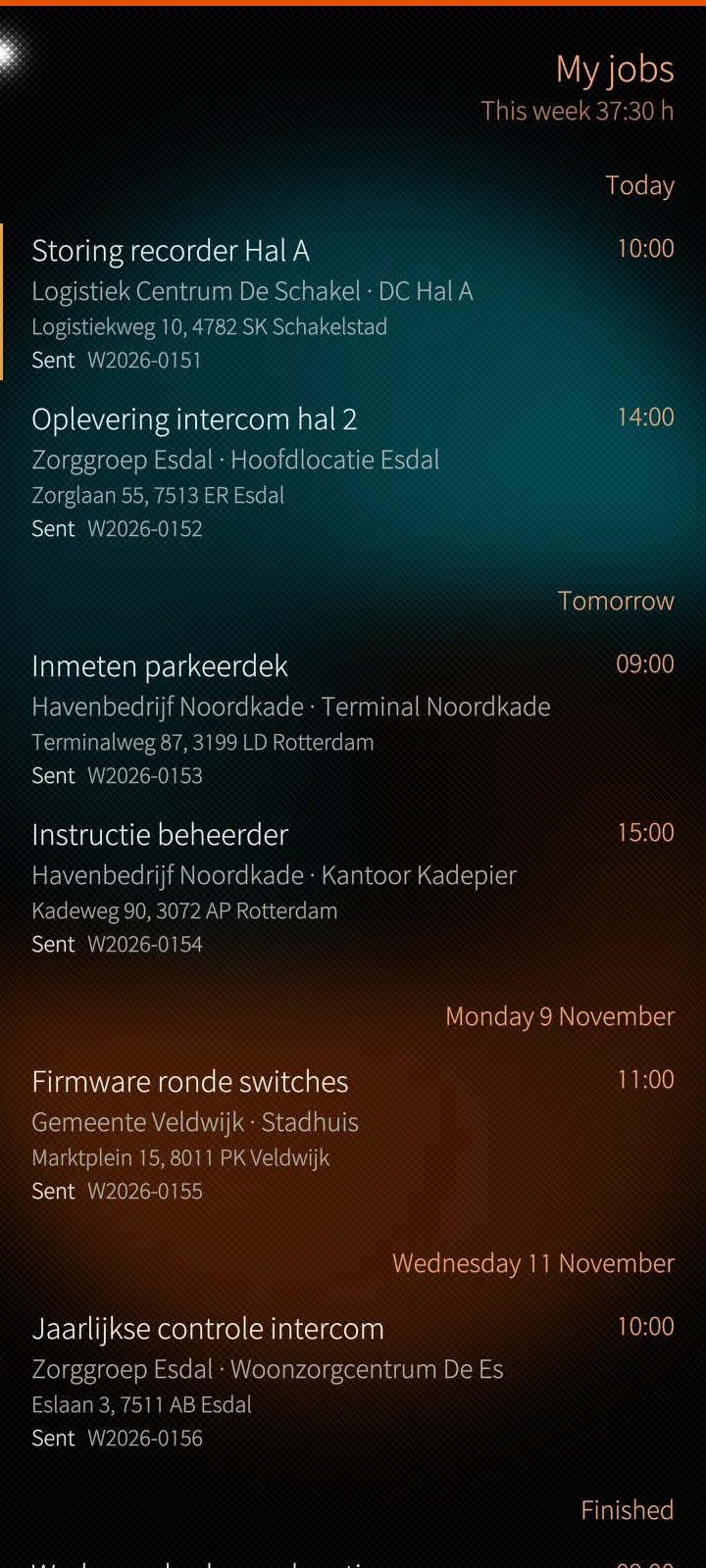
  • Your day and your clock Jobs by day, the next step, driving and working time, the customer's signature on the screen.
  • Faults with SLA clocks The service desk's board, dispatch and the planboard, made for a finger.
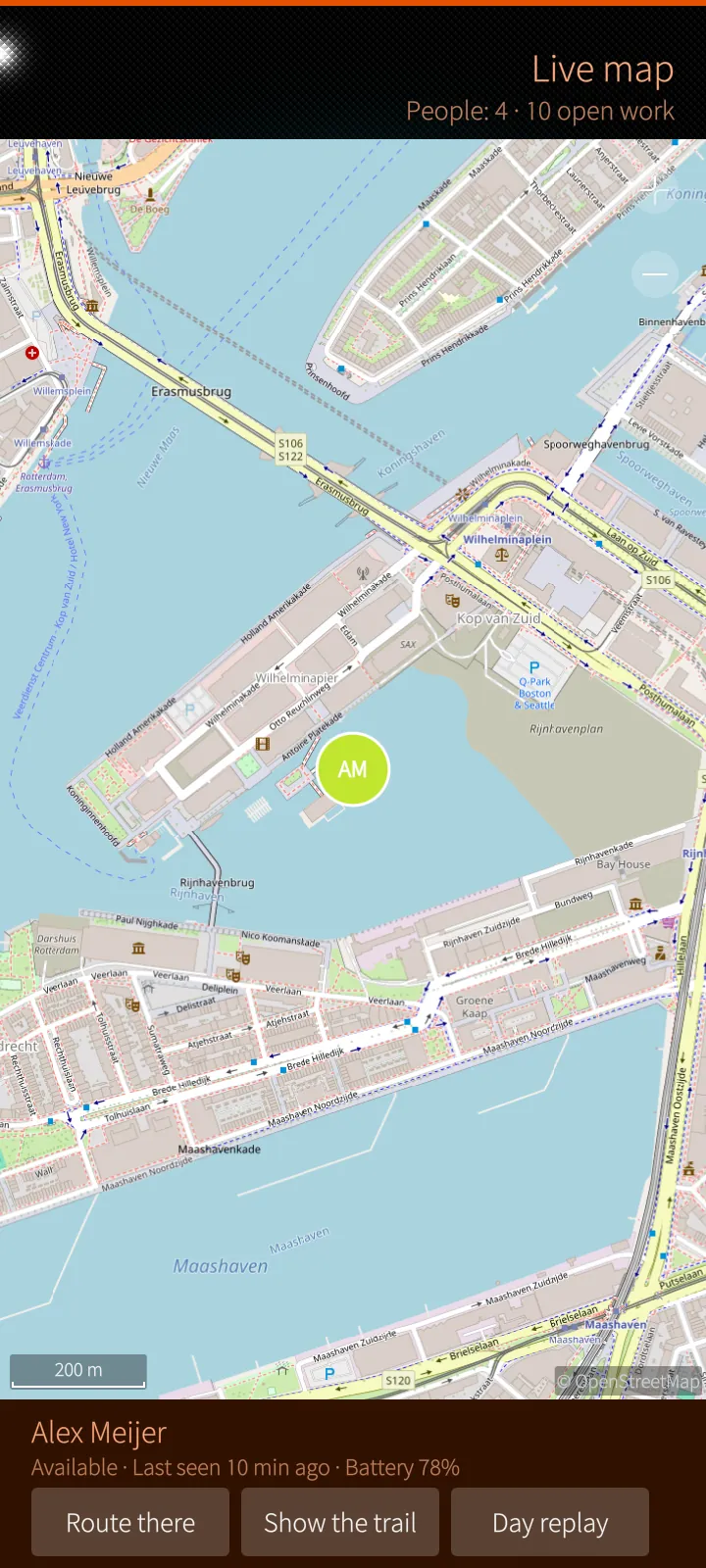
  • Live map and day replay Your team by status, trails and a whole day played back, tiles from the PES server.
  • Encrypted chat and meetings Messages, groups, calls at the ear, sharing in meetings โ€” keys on the phone.
Take the tour 24 screens explained
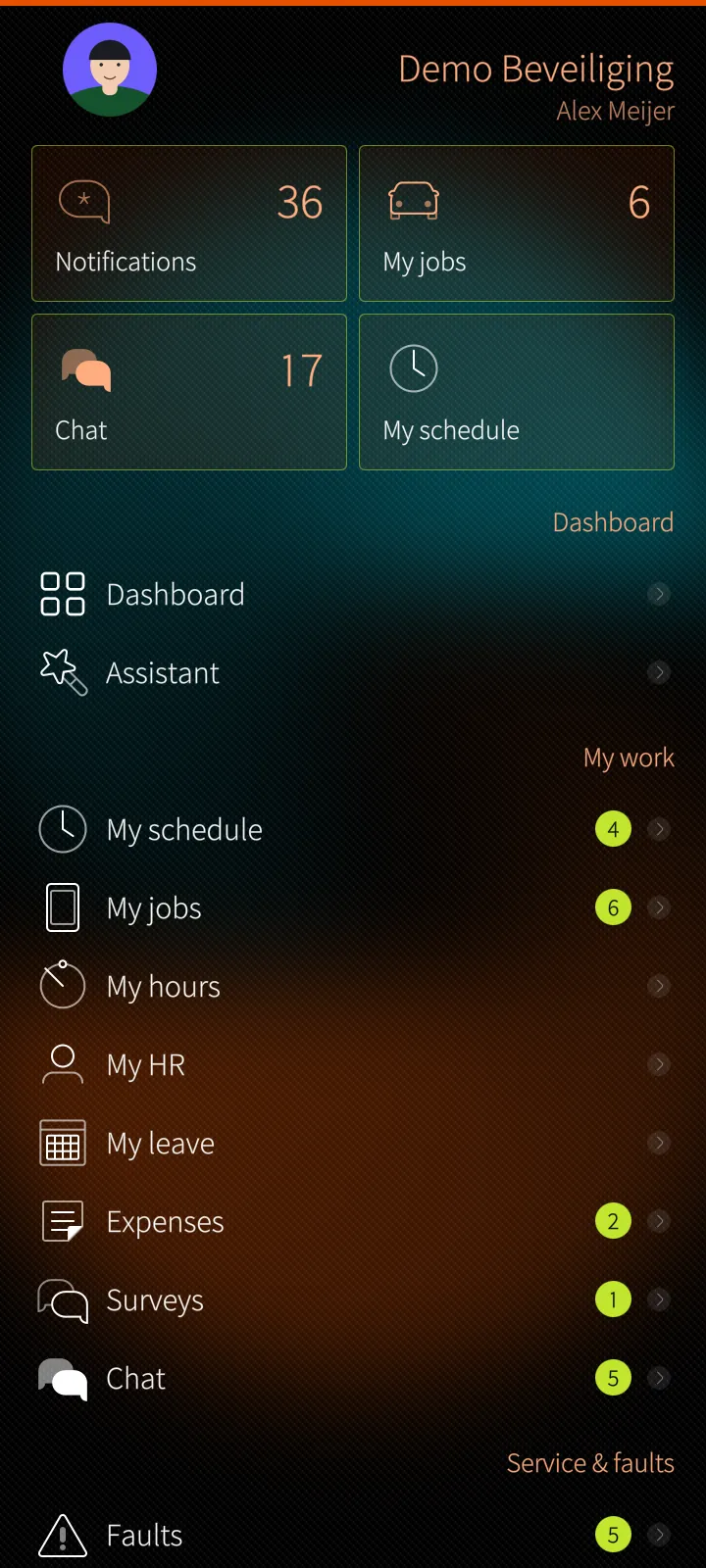
Your own PES menu
Live map with your team
My jobs by day
Professional

PotoP OS

Security. Performance. Control.

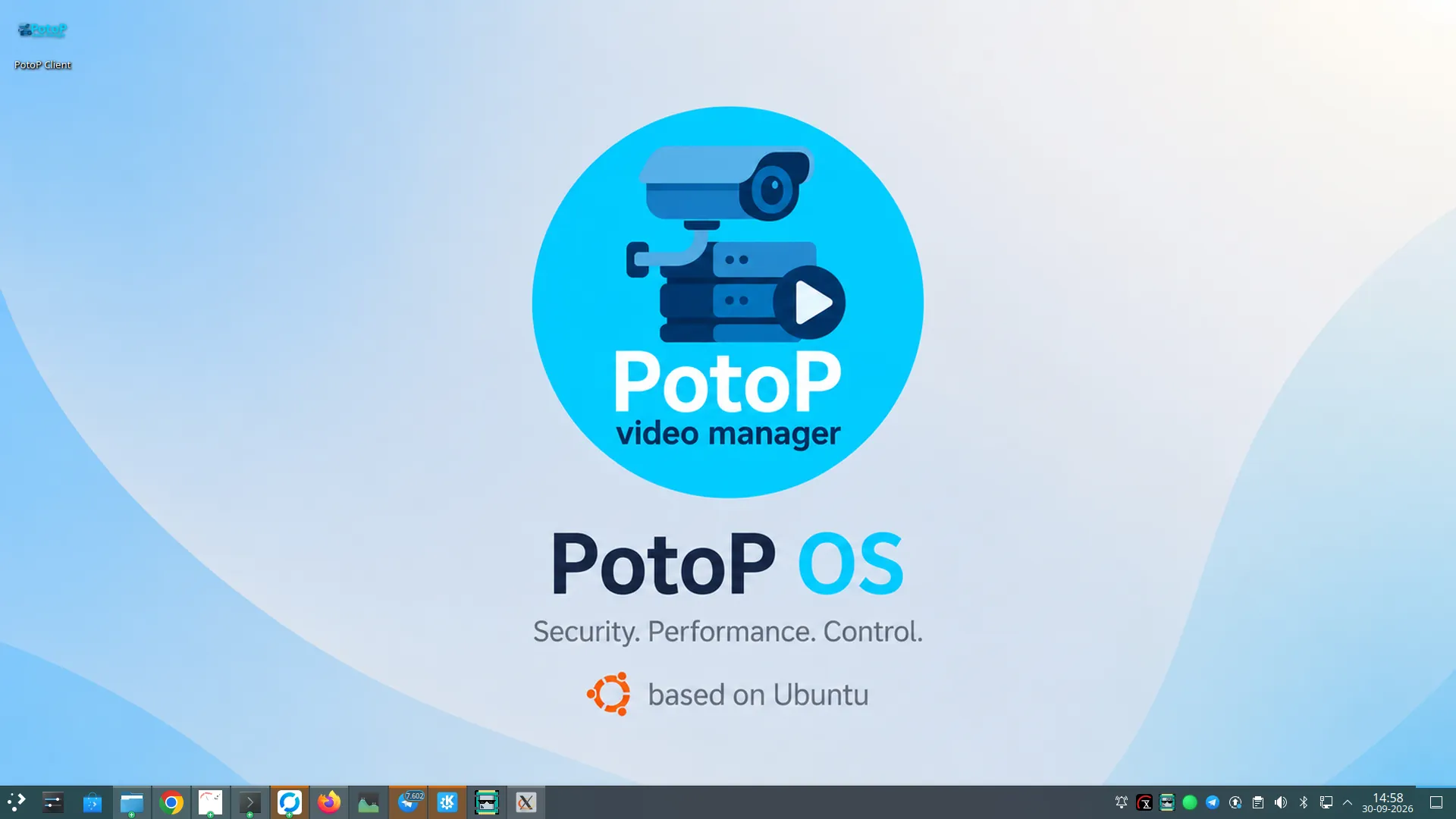
A hardened operating system based on Ubuntu 24.04 LTS that turns standard hardware into a ready-to-run PotoP video appliance: no default passwords, signed and verified updates you control, no telemetry, and every PotoP application installed in one go.

  • Hardened out of the box No default passwords, per-machine keys, hardened SSH with automatic bans, sandboxed services.
  • Signed updates you control Checksums and GPG signatures verified, snapshot first, automatic rollback โ€” and never an update behind your back.
  • No telemetry, no cloud Crash reporting off, no phone-home; AI and video stay on the appliance.
  • Ready for your hardware NVIDIA, AMD and Intel GPUs set up at first boot; Hailo and Axelera AI accelerators supported.
Take the tour 9 screens explained
The PotoP OS desktop
Personal use

For personal use

Free apps for your own Sailfish OS phone โ€” made with the same care, meant for private use.

  • Free, for your own phone and private use
  • Provided as is โ€” without a support contract or warranty
  • Independent apps โ€” not made or endorsed by Telegram, YouTube, Immich, Emby or Jellyfin
Personal use

PotoGram

The whole of Telegram, native on Sailfish OS

PotoGram is a full Telegram app for Sailfish OS, built on Telegram's own engine: chats, groups and channels, secret chats, voice and video calls, stickers and GIFs, folders and every setting you know from Telegram on Android โ€” as real Silica pages, in 18 languages.

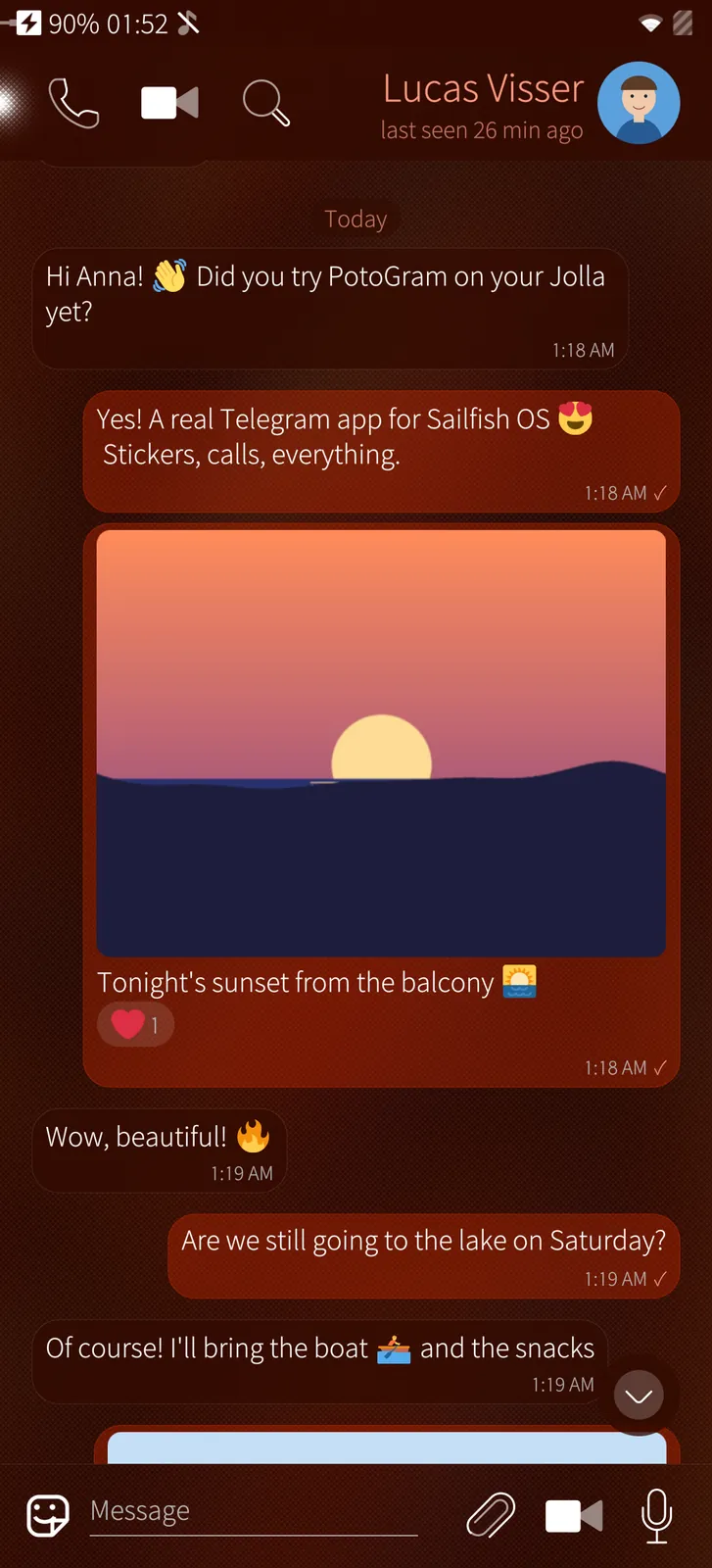
  • Chats, groups and channels Replies, reactions, pinned messages, polls, checklists, link previews and search in every chat.
  • Voice and video calls Telegram's own call engine, the earpiece at your ear and the camera paused when you hold the phone there.
  • Secret chats End-to-end encrypted, with self-destruct timers, the encryption key to compare and messages that turn to dust.
  • Stickers, emoji and GIFs Animated and video stickers, a sticker shop, custom emoji, Telegram's GIF search and a live sticker maker.
Take the tour 24 screens explained
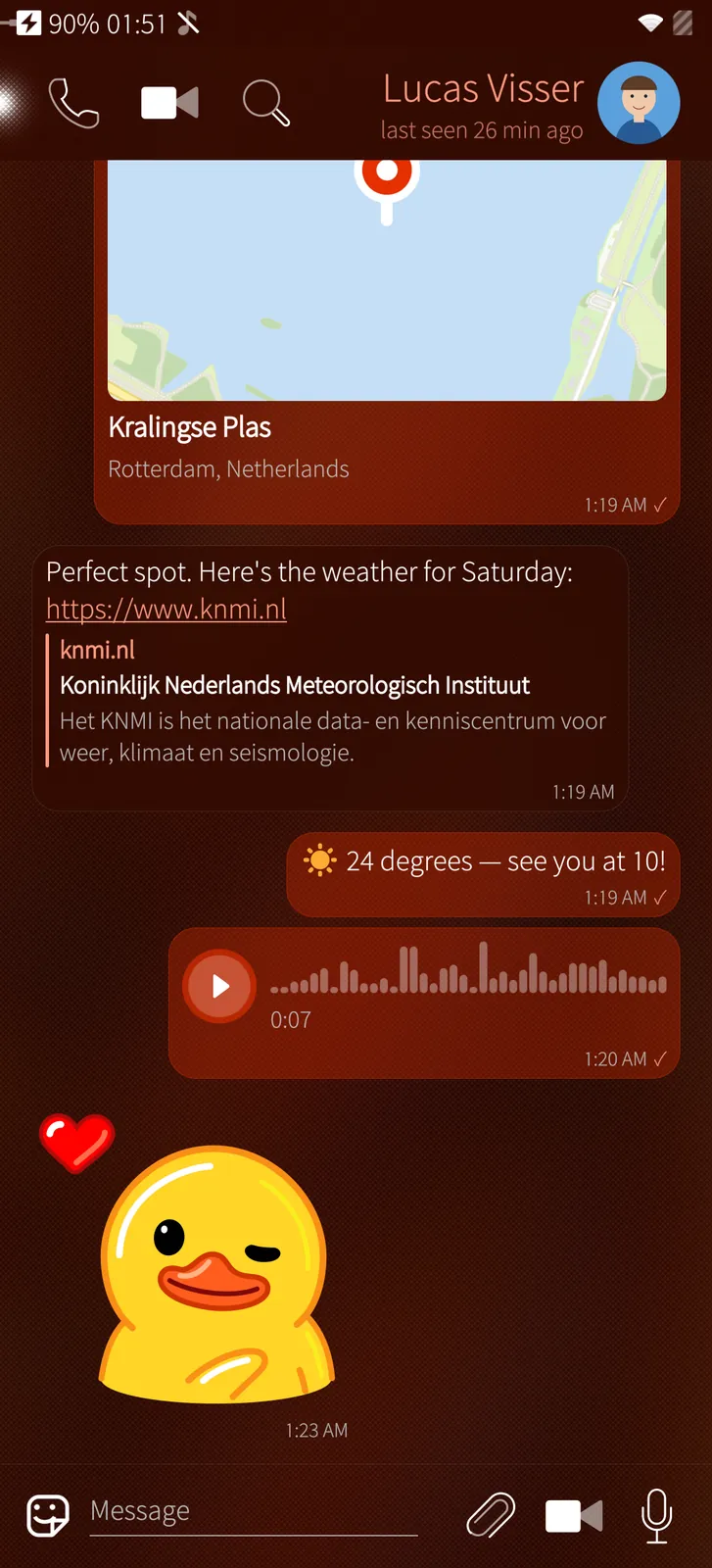
A conversation
Your chats in folders
Places, links, voice and stickers
Personal use

PotoTube

YouTube, native on Sailfish OS โ€” free and independent

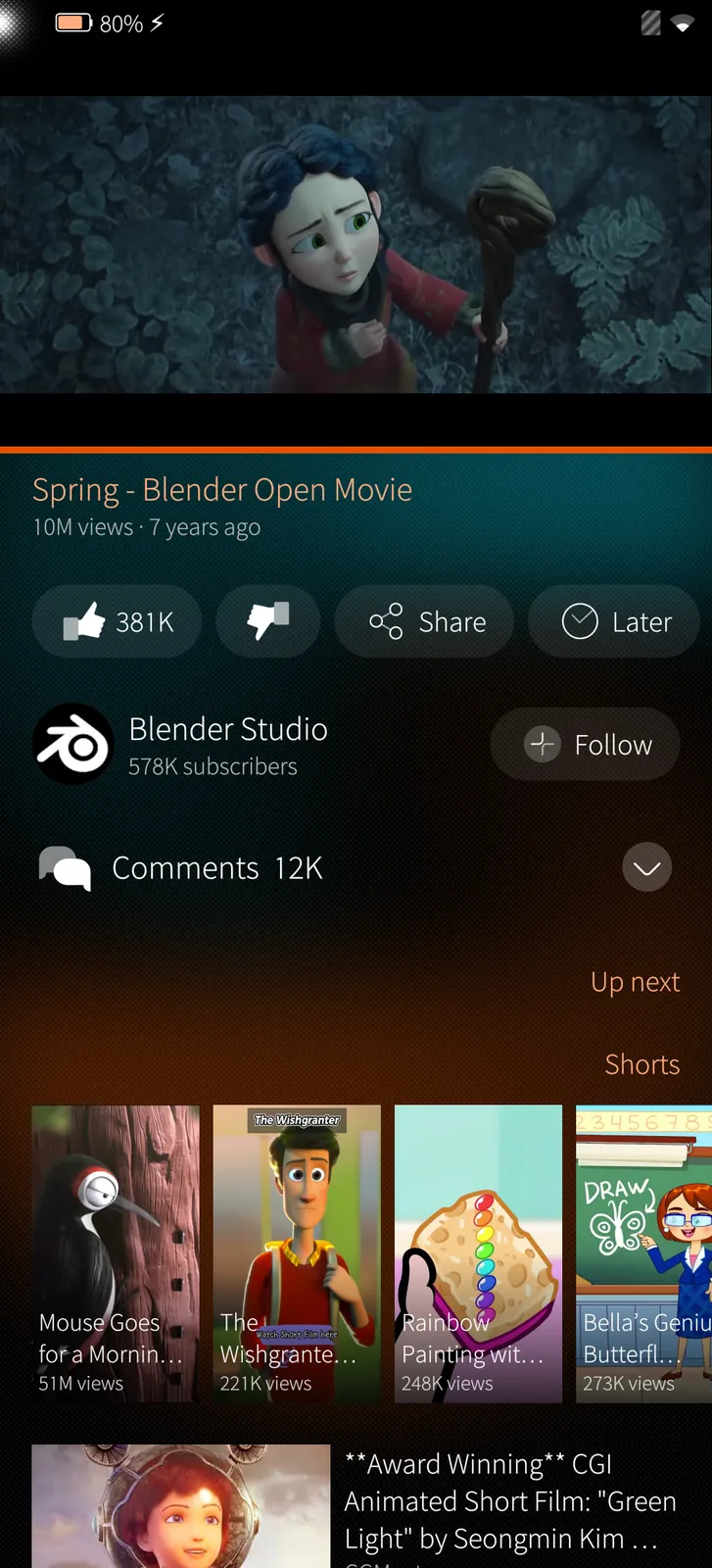
PotoTube is a free Sailfish OS app for watching YouTube: videos, Shorts, channels, playlists and comments as real Silica pages, with your YouTube account if you like, in 18 languages. It is an independent app by M.B.L.M. Systems โ€” not an official YouTube app.

  • YouTube's own player Videos play in YouTube's embedded player with its own quality, speed and subtitle menus โ€” full length, in good quality.
  • Shorts Swipe from one Short to the next, read the comments under the Short, like and subscribe.
  • Comments and chapters Comments with replies under the video, chapters to jump to, the description and what to watch next.
  • Subtitles in your language YouTube's subtitles or its automatic translation, in the language and size you choose.
Take the tour 18 screens explained
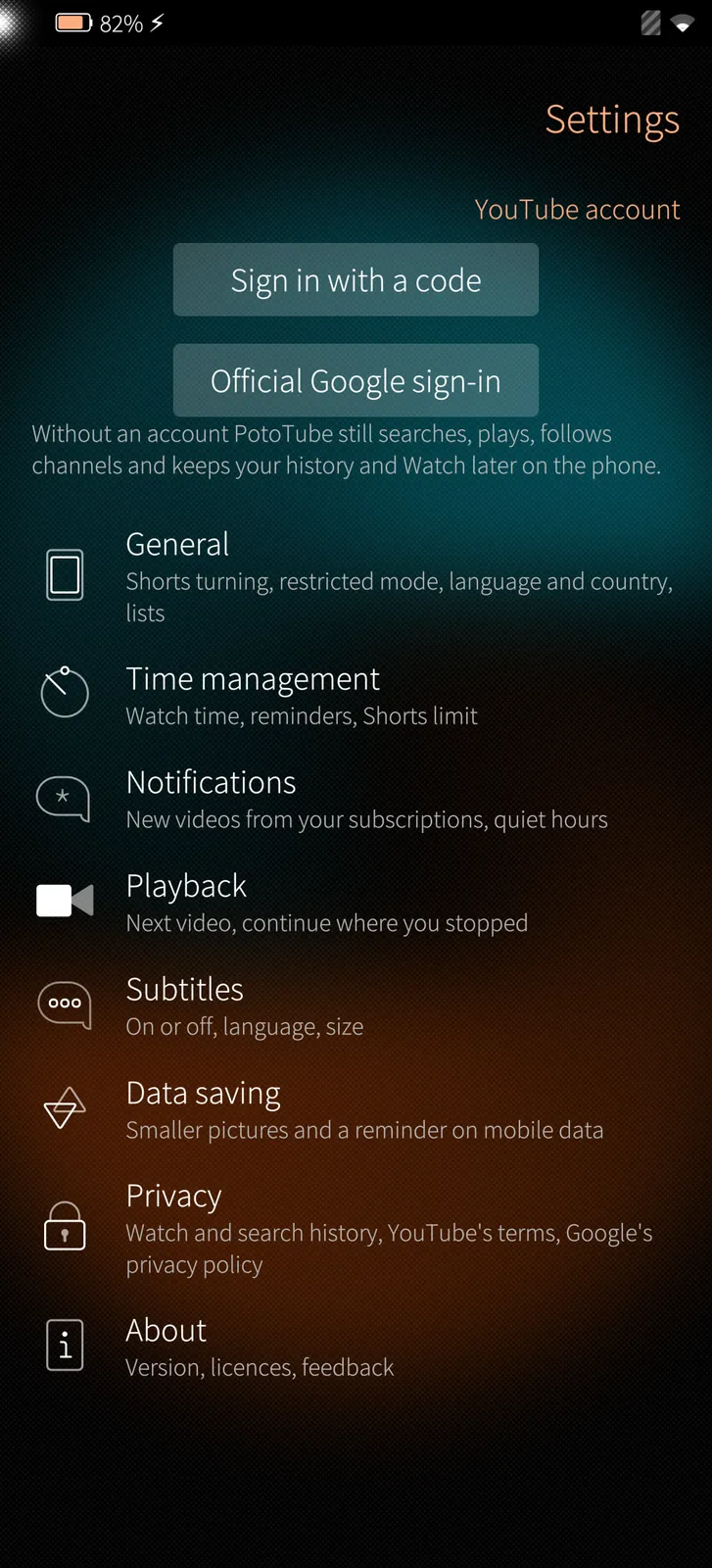
Settings like YouTube's app
A video and what comes next
Home with your topics
Personal use

PotoMich

Immich, native on Sailfish OS โ€” your own photo library in your pocket

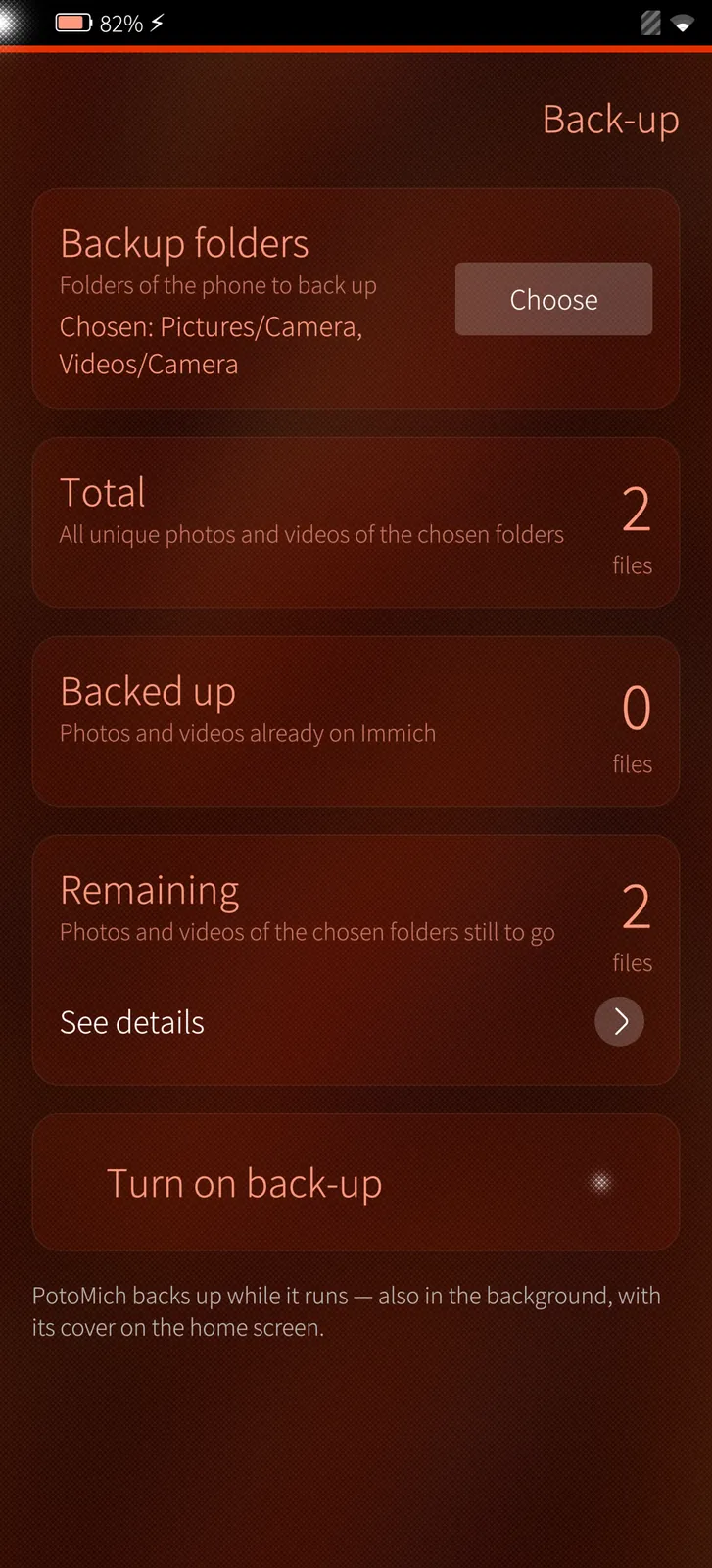
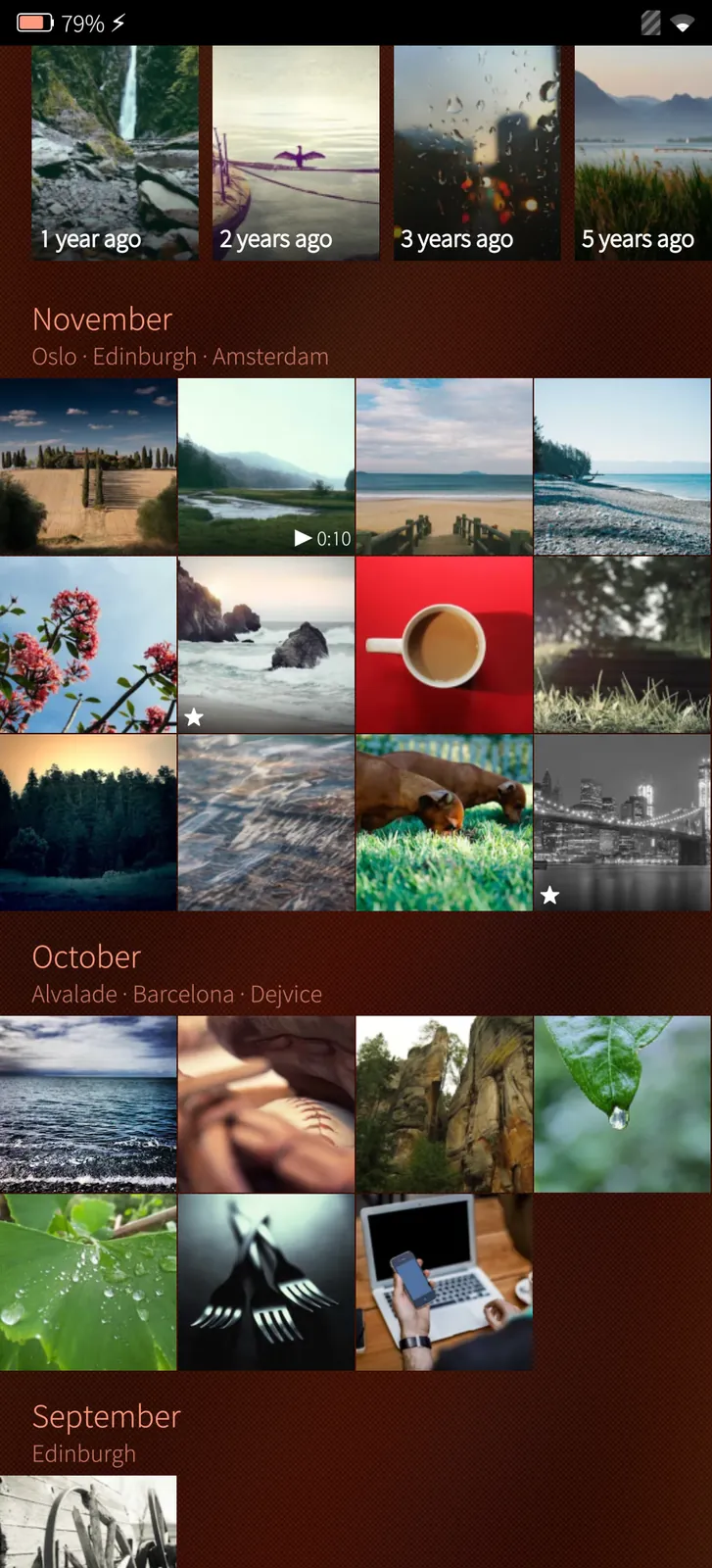
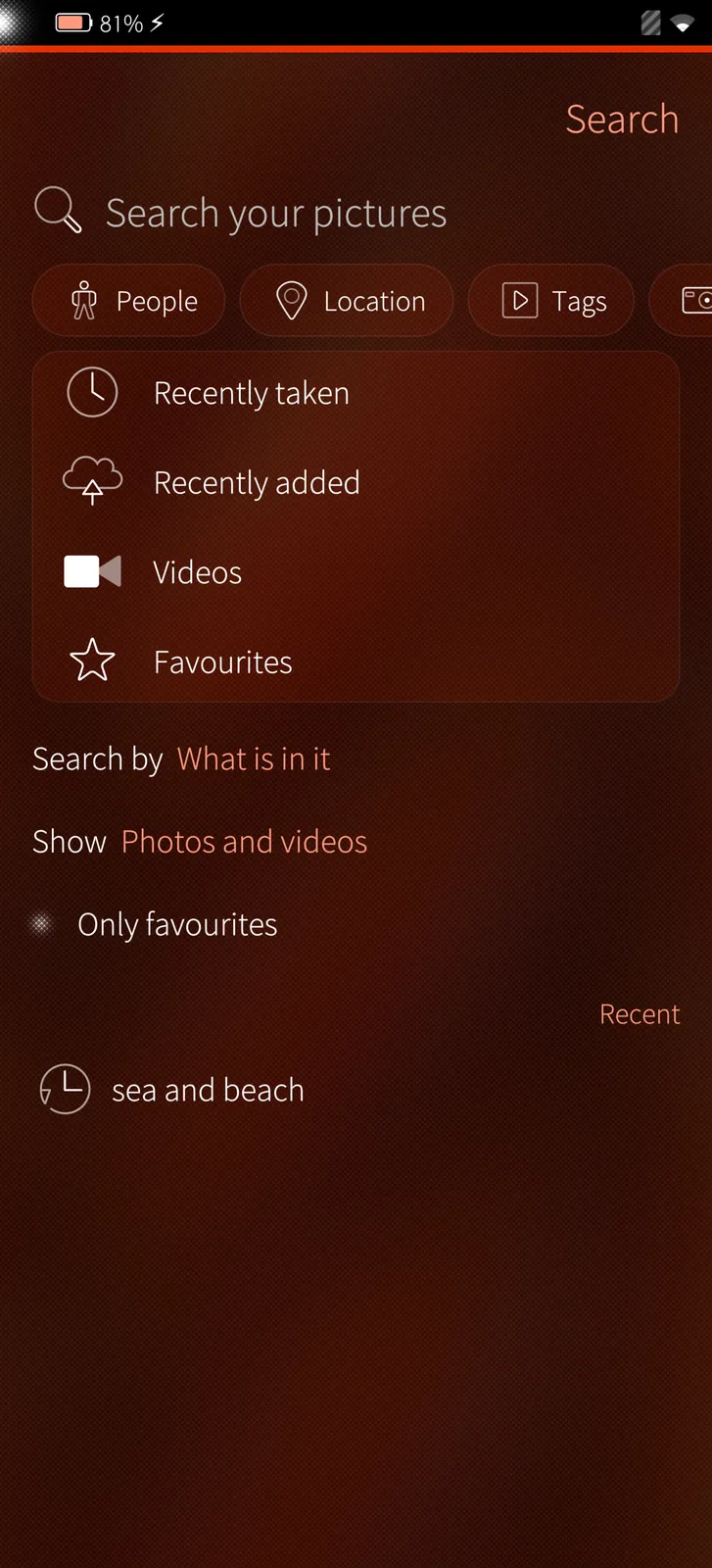
PotoMich is a free Sailfish OS app for your own Immich photo server: the whole library by month, albums, people, places, memories, search, the locked folder, a photo and video editor and camera backup as real Silica pages, in 18 languages. It is an independent app by M.B.L.M. Systems โ€” not an official Immich app.

  • The whole library Every photo and video by month, with the places of the month and memories of this day in earlier years.
  • Every video plays 4K and tall screen recordings too: what the video chip cannot take, the processor decodes โ€” with sound, seek and pause.
  • Photo editor Light, colour and ten filters, crop, straighten, turn, draw, write and blur โ€” saved at full size as a copy beside the original, its camera, place and time kept.
  • Video editor Trim, turn, cut to a shape, change the light or lay on a filter, take the sound away and make it smaller โ€” 4K videos too.
Take the tour 23 screens explained
Back-up
Your whole library by month
Search like the Android app
Personal use

PotoMby

Emby and Jellyfin, native on Sailfish OS โ€” your own films, series and music in your pocket

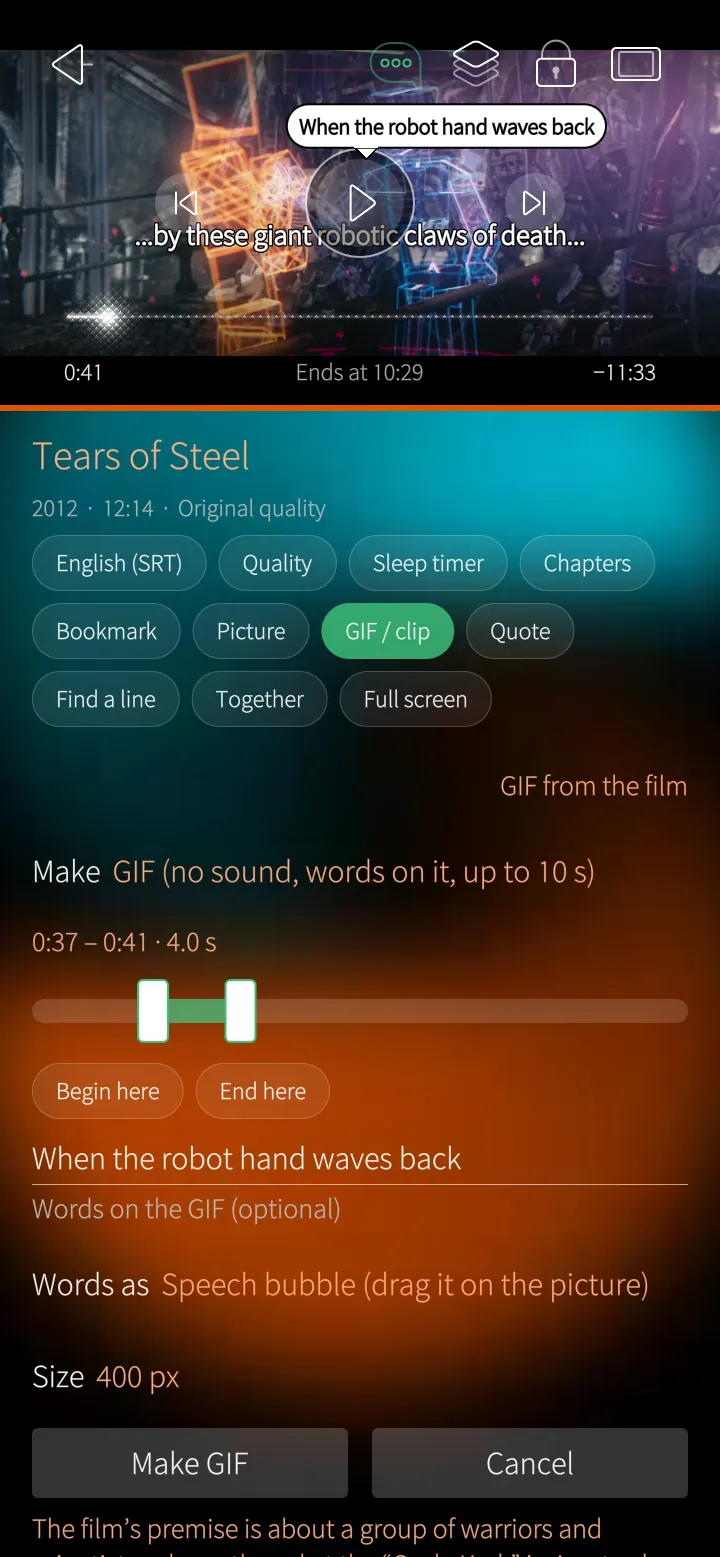
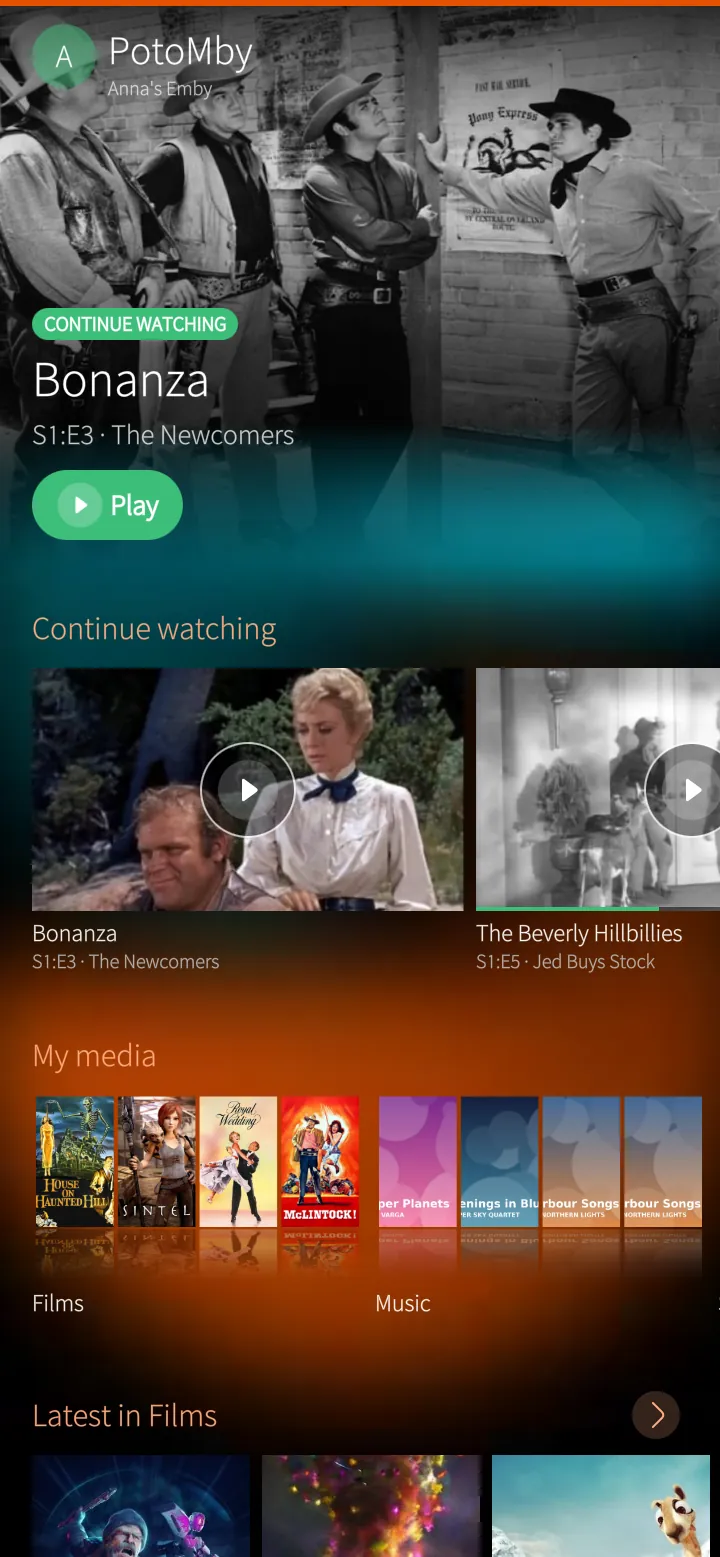
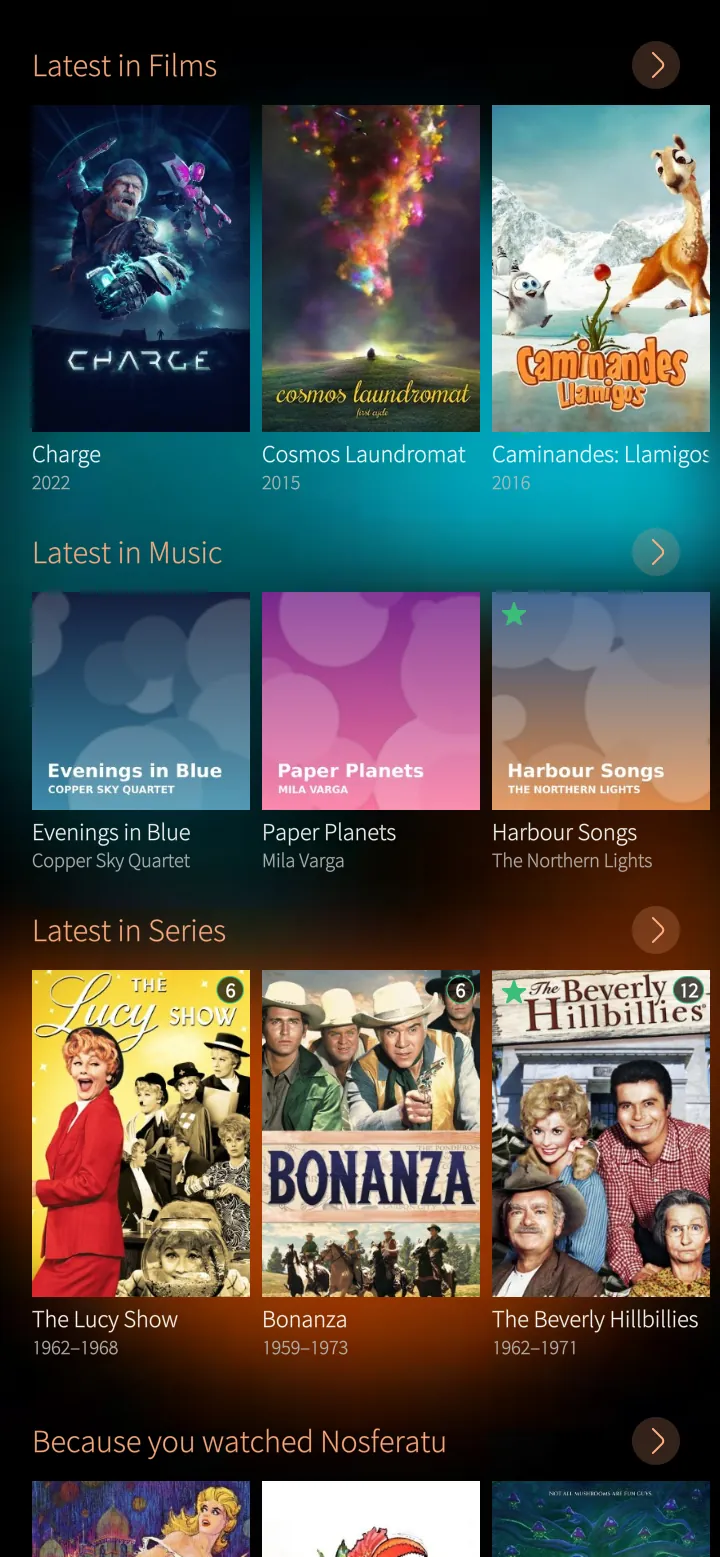
PotoMby is a free Sailfish OS app for your own Emby or Jellyfin media server: continue watching, your films, series and music, subtitles and lyrics, downloads for a trip, your year in film, games and watching together โ€” as real Silica pages, in 18 languages. It also does what the official apps do not: GIFs and video clips from any moment to share or send to PotoGram, quote cards, a subtitle editor and searching what is said. It is an independent app by M.B.L.M. Systems โ€” not an official Emby or Jellyfin app.

  • Emby or Jellyfin โ€” the same app Sign in to your own Emby server or your own Jellyfin server: everything on this page works with both, and PotoMby takes on Jellyfin's colours on a Jellyfin server.
  • GIFs and video clips Make a GIF with your own words in a speech bubble, or a clip with sound, from any moment of a film โ€” then share it or send it to PotoGram.
  • Quote cards and pictures Tap a subtitle line for a picture of that moment with the line in big quotation marks, or save the picture alone โ€” to share, send to PotoGram or jump back to that moment later.
  • Subtitle editor Subtitles out of step? Set them right by ear, or let PotoMby match them to the speech; on Emby the corrected subtitles are saved on the server for everyone.
Take the tour 42 screens explained
Make a GIF from any moment
Your home page
The newest in every library

Which product do I need?

Each product works on its own. Pick by what you do โ€” and combine them when you do both.

You watch over cameras, sites or a control room

Live video, recording, AI detection, floor plans and failover โ€” on your own servers.

You run a company with work to plan and people to send

Planning, field service, projects, hours, payroll, purchasing, invoicing and books โ€” for any trade.

You install and maintain camera systems

Use both: camera faults become service calls, and systems drawn in PES are programmed into the VMS.

You replace a video system, and the integrations around it must keep working

The API Translator answers the API of the system that was replaced โ€” Sense, Commend ICX, Milestone, Genetec โ€” and carries every command out on PotoP VMS Studio.

You want good apps on your own Sailfish OS phone

Free apps for personal use: Telegram, YouTube and your own Immich photo library โ€” provided as is.

How do these fit together?

See how cameras, servers, clients and the business suite work as one platform.

How it works